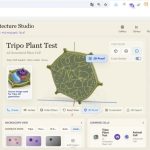
An Alternative to Claude Design Goes Viral, Garnering Over 30,000 Followers
The day Claude Design was launched, Figma’s stock price dropped by 7%. As a closed-source AI design tool, its impact was enormous. Many were amazed by the powerful capabilities of Claude Design.
Eleven days later, a similar groundbreaking tool was open-sourced on GitHub. It’s called Open Design and has already gained over 34,000 stars.
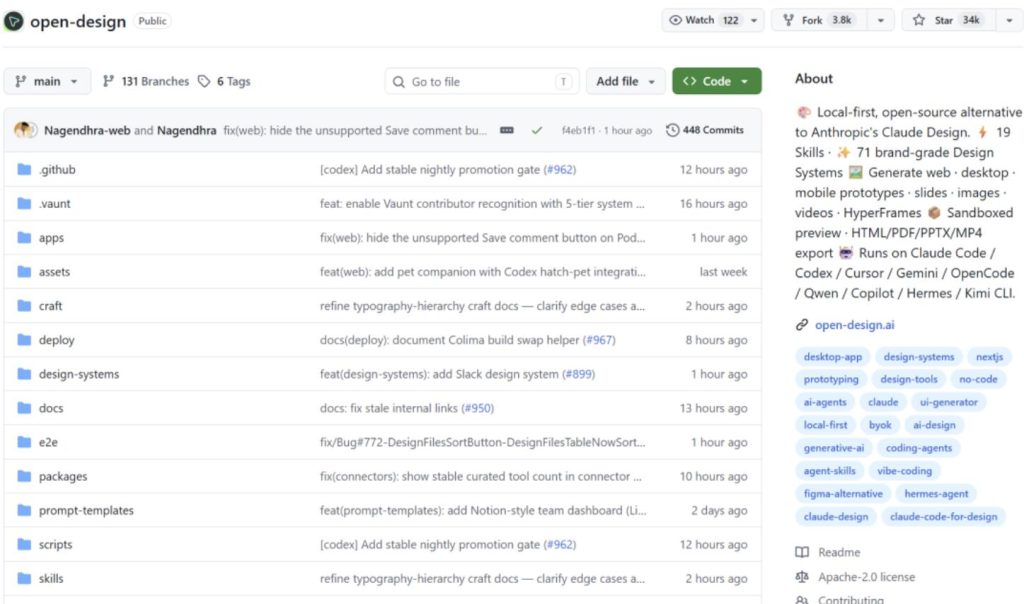
This is an open-source AI design tool. Input a sentence, and it can generate webpage prototypes, PPT slides, landing pages, and mobile interfaces. Notably, it isn’t locked into any specific model—today you can use Claude, tomorrow switch to Gemini, and the day after switch to a local model, depending on your preference. It supports 16 types of Coding Agent CLIs, such as Claude, Gemini, OpenAI, Local, and more.
Open Design Banner
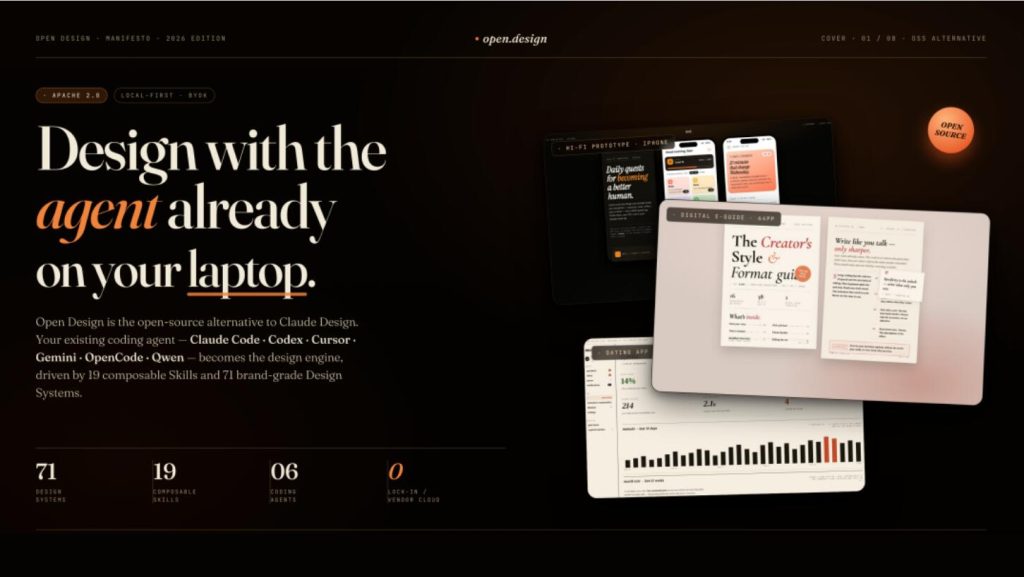
It comes with 31 built-in skills and 129 design systems.
01 Skill System
Each skill corresponds to a specific design scenario. If you need to create a SaaS landing page, there’s the saas-landingskill; for social media carousels, there’s social-carousel; for mobile onboarding flows, there’s mobile-onboarding. Each skill is a folder containing templates, styles, and checklists. If you want to add a new skill, simply write it according to the SKILL.mdspecification, place it in the skillsdirectory, and restart the service to use it.
02 Design System Library
The design system library includes well-known product design specifications from companies like Linear, Stripe, Vercel, Airbnb, Tesla, Notion, Apple, and Anthropic. Each system is defined in Markdown, covering colors, fonts, spacing, layout, components, animations, brand tone, and more. After switching design systems, the current style is saved for future use.
Capabilities: Web, Mobile, and Marketing
Web Results
01 Magazine-style webpage PPT with classic magazine layouts and WebGL oversized hero visuals, offering a premium and impressive overall look.
Magazine-style Deck
02 Dating app-specific dashboard with left navigation, core KPIs, and multi-dimensional charts.
dating-web
03 Dual-page digital e-guide with a cover and course page.
digital-eguide
Mobile results are also refined
04 iPhone 15 Pro frame replicated accurately, with seamless multi-device prototype transitions.
Mobile Prototype
05 Three-frame mobile onboarding flow: splash, value proposition, and sign-in, all finely crafted.
mobile-onboarding
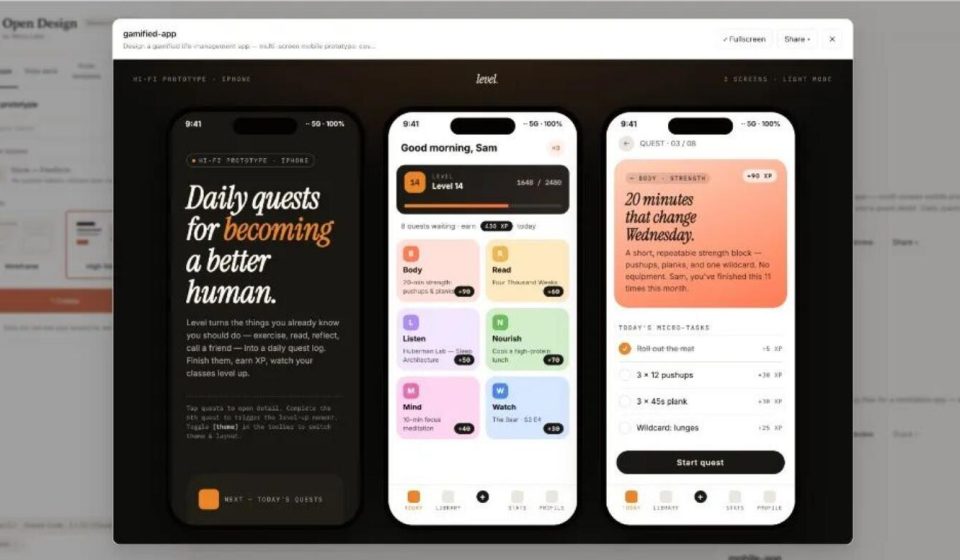
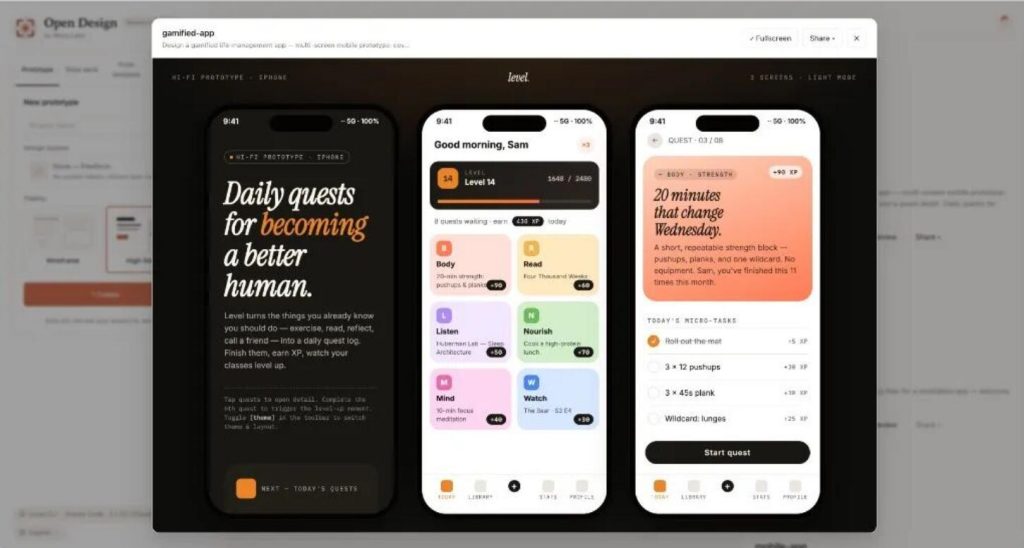
06 Three frames to create a gamified app prototype—emphasis on speed.
gamified-app
Marketing works too
07 HTML email for brand product launches, with tables that won’t break the layout.
email-marketing
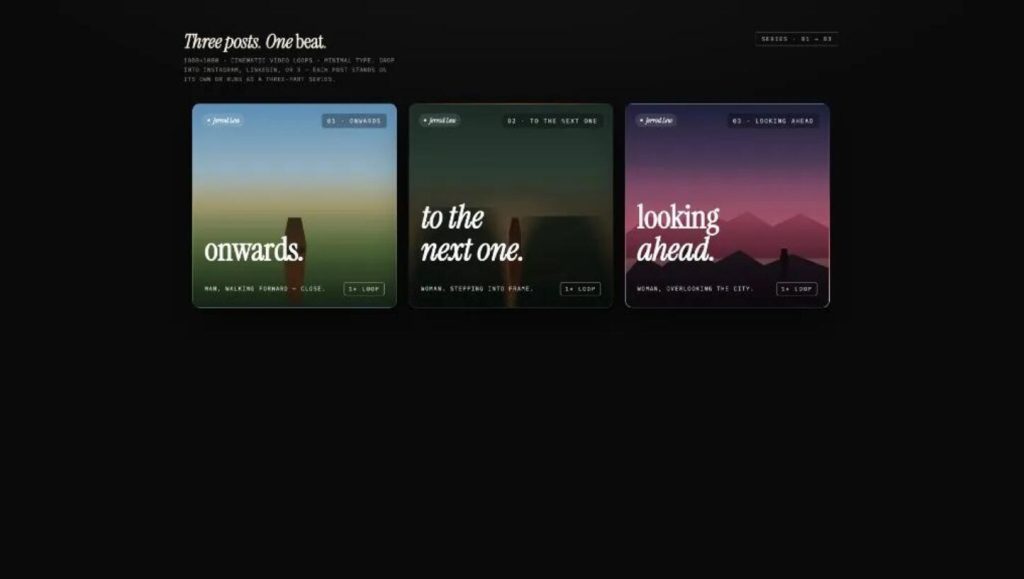
08 Three 1080×1080 social media carousel images, suitable for WeChat Moments or Xiaohongshu.
social-carousel
09 Dynamic design Hero with CSS loop animations.
motion-frames
10 8-bit pixel animation explanation slides.
sprite-animation
Additionally, it supports media generation, including images, videos, and audio. Images use gpt-image-2, videos use ByteDance’s Seedance 2.0, and motion graphics use HyperFrames.
After seeing these features, trying it out isn’t difficult. First, install Claude Code or another supported Agent CLI, then clone the repository, run pnpm tools-dev, and open your browser to use it. If you don’t want to install an Agent, you can also directly fill in the API Key in the settings—the effect is the same.
Getting Started
First, ensure you have Node.js 18+ and pnpm installed on your computer.
- Use Git to clone the code: bashbash
git clone https://github.com/nexu-io/open-design.git cd open-design - Install dependencies: bashbash
pnpm install - Run the final command: bashbash
pnpm tools-dev
If no errors occur, open your browser and navigate to http://localhost:3000to start using it.
How to Use
It’s easy. Open Open Design and directly input something like, “Help me create a magazine-style official website.” It will first pop up a form for you to confirm details like the target platform, audience, and tone.
Entry View
Question Form
It will also let you choose visual effects, with 5 styles to select from.
At this point, the Agent starts working. The plan is displayed in real-time on the interface, showing you what it’s currently doing and what it will do next. If you notice the direction is off, you can interrupt it at any time—no need to wait until everything is done to start over.
Todo Progress
The generated content is previewed in a sandboxed iframe, where it can be directly edited. It can also be downloaded as HTML, PDF, PPTX, or a ZIP package.
Sandbox Preview
Two Things to Note
01 It currently does not support real-time multi-user collaboration. For complex projects, AI-generated elements are approximate matches, not precise reproductions.
02 For pixel-perfect, production-ready designs, Figma is still recommended.
Final Thoughts
There are more and more AI design tools, and it’s hard to say which is the best—each has its own characteristics. Choose the one that suits your needs. If you’re using Claude Code or other Coding Agents and want to quickly create design prototypes, give Open Design a try. The project is open-source under the Apache-2.0 license. If you’re interested, check out the source code and documentation on GitHub.
GitHub Repository: