GitHub Achieves 42,000+ Stars! This Browsing Marvel
Have you ever experienced this: In the middle of a productive afternoon, with 30+ tabs open in Chrome, your computer’s memory maxes out, the fan roars, and the screen starts lagging. You scramble through that dense cluster of tabs with titles too small to read, spending over a minute just to find the page you need. I’ve faced this more than 500 times. It’s even more maddening when tabs for “work,” “slacking off,” and “videos to watch” are all mixed together in a chaotic mess—enough to trigger any perfectionist. Let’s be honest: for years, most of us have been stuck in the same browser design paradigm: horizontal tab bars that shrink and get messier with each new tab; no categorization, no grouping, no split-screen, and certainly no concept of a “workflow.”
Chrome has dominated the browser market for over a decade, yet none of these issues have been resolved. Then, a couple of years ago, the Arc browser burst onto the scene, packaging side tab bars, workspace grouping, and split-screen browsing into an exquisitely designed product, instantly winning over a massive user base. However, Arc later shifted towards a subscription model and only supports Mac and Windows, leaving Linux users in the dust.
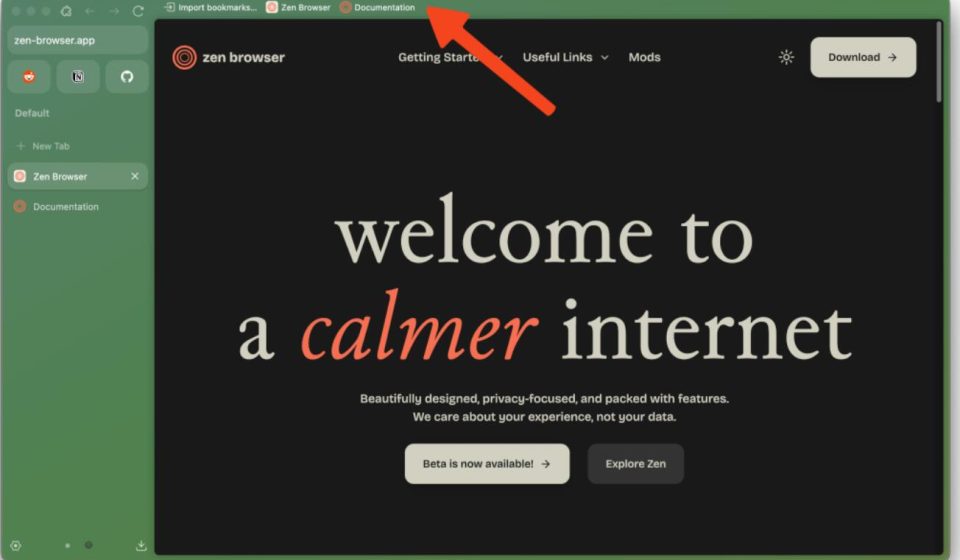
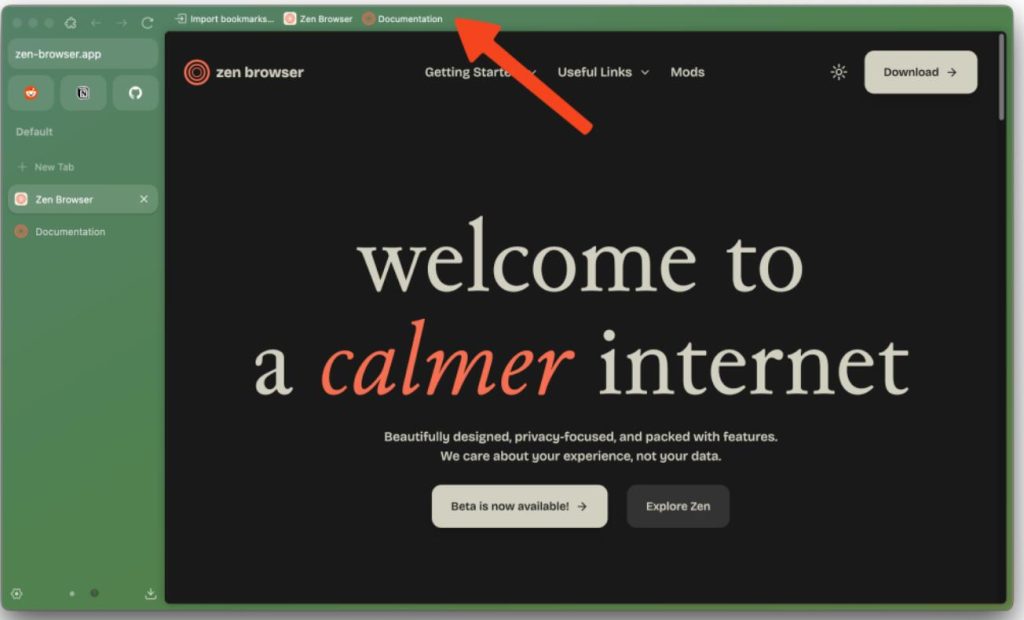
That’s when the open-source community provided the answer. A GitHub project named Zen Browser has now garnered over 42,400 Stars. Built on Firefox’s Gecko kernel, it’s completely open-source, permanently free, and as of 2026, maintains an active development rhythm with updates every two to four weeks.
Here’s the bottom line: after using it for a week, I’ve uninstalled Chrome and have no intention of going back. Its core philosophy is: a browser should truly adapt to your way of working, not the other way around.
Let me break down the features that impressed me the most:
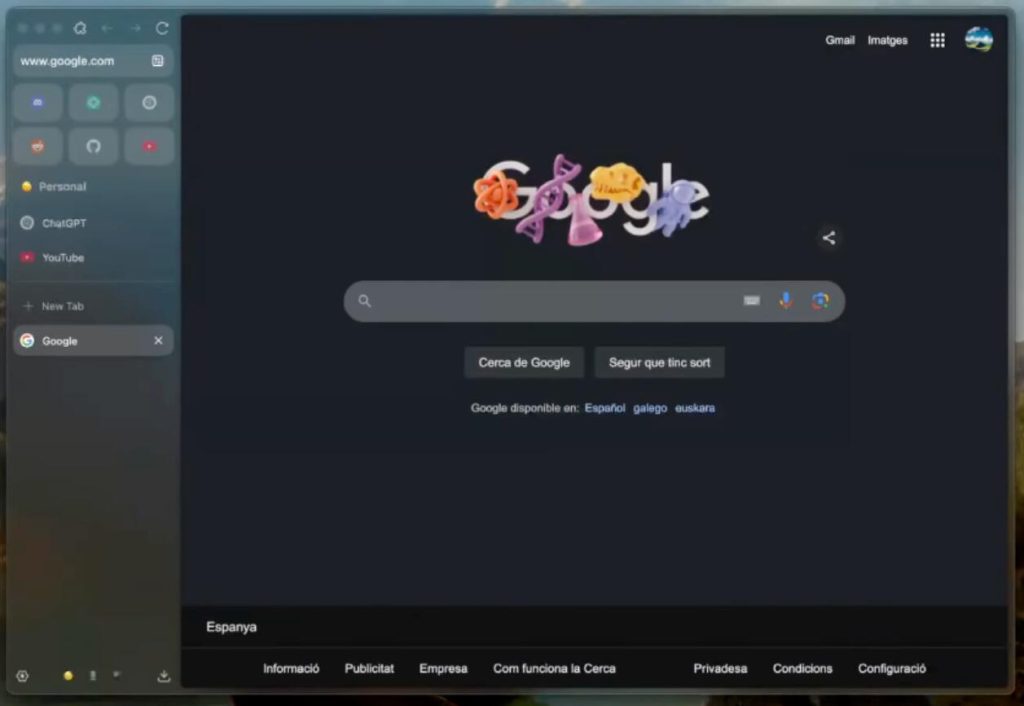
- Vertical Side Tab Bar. Tabs are no longer crammed horizontally at the top, shrinking into obscurity. Instead, they’re displayed vertically on the left side of the browser, showing the full website name and icon for each tab. Open 50 tabs? You can read every single one clearly. When not needed, the sidebar automatically collapses, giving your webpage content full-screen real estate without cluttering your view.
- Split-View Browsing. In my opinion, this is the feature that should have become a browser standard by 2026, yet only Zen has truly nailed it. You can drag any two tabs to display side-by-side in the same window: documentation on the left, notes on the right; reference material on the left, price comparison on the right. It supports up to 4 pages simultaneously—no need for multiple windows or manual resizing. Everything happens within a single browser window.
- Workspaces. This is the ultimate weapon against “tab anxiety.” You can assign tabs to different workspaces: for example, a “Work” workspace for 5 project-related tabs, a “Slack” workspace for videos and social media, and a “Shopping” workspace for cart comparisons. Switch between workspaces with one click—they’re completely isolated and never get mixed up. After work, all tabs in the “Work” workspace are hidden. In a meeting? Switch to the “Meeting” workspace. One action handles the entire context switch.
- Zen Glance (Link Preview Overlay). When you hover over or click a link, Zen can pop up a small overlay on the current page to preview the link’s content. No need to open a new tab and switch back—just take a quick glance within the overlay on the same page to decide if it’s worth a deeper read.
Regarding privacy, Zen draws its strength from Firefox’s Gecko kernel. Unlike Chrome, which is tied to Google’s advertising empire, the Firefox kernel inherently includes tracking protection, third-party cookie blocking, and browser fingerprinting defense. The Zen development team has also made it clear: no forced integration of AI features, and no collection of user data.
How to get started? Just 3 steps:
- Download the installer for your system from GitHub (supports Windows, Mac, and Linux).
- After installation, import your bookmarks and extensions from Chrome or Firefox (fully compatible with the Firefox add-on library).
- Create new workspaces, organize your existing tabs into them, and feel the difference immediately.
It’s that simple. No registration, no subscription, no pop-ups saying “premium features require payment.”
Take a look at that clean, sophisticated sidebar and split-screen layout.
Who is this browser for? Feel free to discuss in the comments what browser you’re currently using and if you’ve ever been driven crazy by tab chaos and high memory usage.
Final Thoughts
Let’s go back to the opening question: Why is a browser worth a dedicated article? Because the browser is our primary gateway to the internet every day. We likely spend more time in it than in any other app. Yet, we’ve been tolerating a design that was cemented a decade ago, never imagining it could be better.
Zen Browser shows us: A good browser should make you feel like you’re driving a sports car, not pushing an overloaded shopping cart.
If you have friends struggling with Chrome’s memory drain and tab chaos, share this with them. It might just help them start using a better tool today.
GitHub Project Address: https://github.com/zen-browser/desktop