
Running Containers on Mac, Who Knew It Could Be This Smooth?
Today, I’m sharing a “magic weapon” for perfectly replacing Docker Desktop—OrbStack. It’s not just fast; it’s incredibly lightweight. You could call it the “ultimate WSL” for macOS.
Project Intro
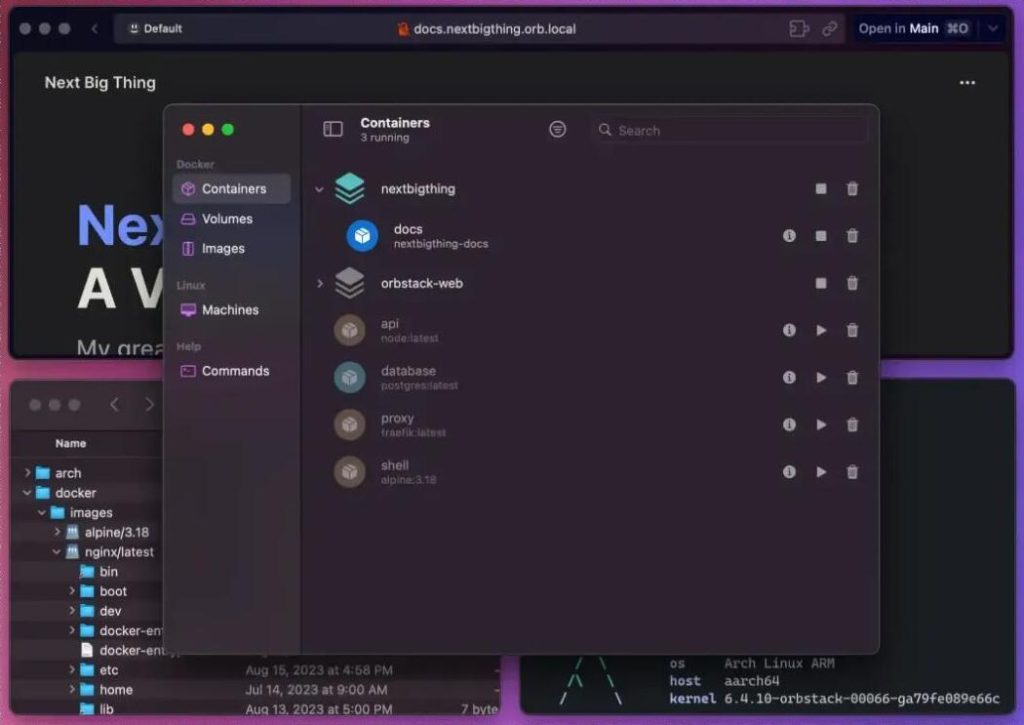
OrbStack is an application built specifically for macOS. It’s blazing fast, lightweight, and simple. It doesn’t just run Docker containers; it can also run Kubernetes and full Linux machines. Because it’s written in native Swift—not wrapped in an Electron shell like Docker Desktop—it consumes minimal resources.
The best part? It’s a plug-and-play replacement for Docker Desktop. Your existing dockercommands and docker-composefiles work without needing to change a single line of code. It’s a seamless migration.
Feature Highlights
OrbStack is all about four words: Fast, Light, Simple, Powerful. It starts quickly, saves resources, is easy to pick up, and is fully capable. But these are just the basics. Here are the features that made me say “Whoa”:
01 Container Experience on Par with Native
[Video placeholder: Demonstration of container operations]
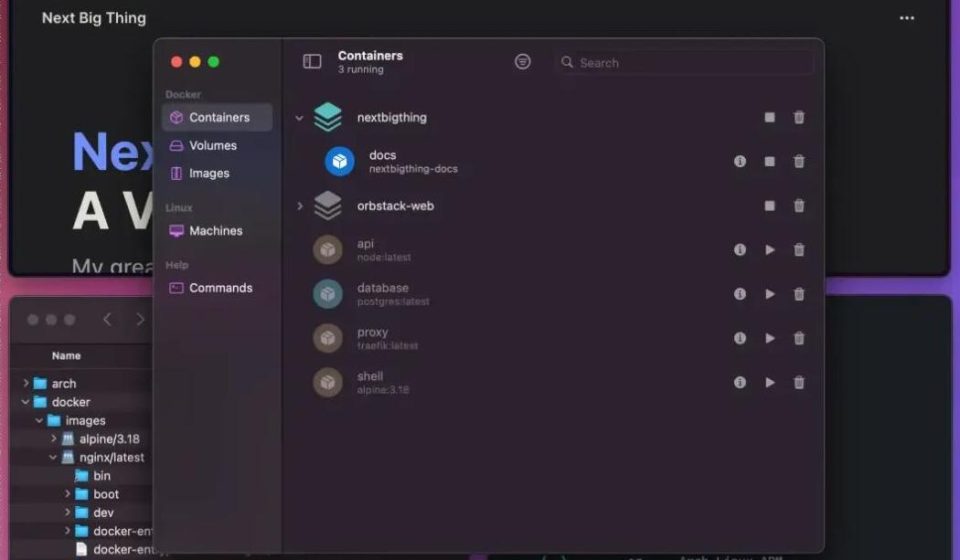
Building images is lightning fast. Networking and file sharing are stable and stutter-free. Volume mounts and port forwarding require zero extra configuration—it just works out of the box. Debugging is a breeze; you can access volume files directly without jumping through hoops. Even x86 architecture containers run smoothly via Rosetta emulation. Common tools like Docker Compose are built-in, so no extra installation is needed.
02 Hassle-Free Linux VMs
[Video placeholder: Demonstration of Linux VM management]
Use whatever distro you want without manually configuring complex environments. The killer feature: seamless integration with VS Code (or your favorite editor) and support for SSH agent forwarding. Remote development feels identical to local development. If you’re on an Apple Silicon Mac, you can even run Intel-architecture Linux machines using Rosetta.
03 Command-Line Integration (A Dream for Terminal Geeks)
[Video placeholder: Demonstration of CLI features]
Easily execute commands directly from your terminal. Quickly copy files between your Mac and Linux without third-party tools. Even better, you can send notifications, open files, and open links from the Linux system, creating a smooth, unified experience with macOS. It feels like a single, cohesive system.
04 Extremely Lightweight & Non-Intrusive
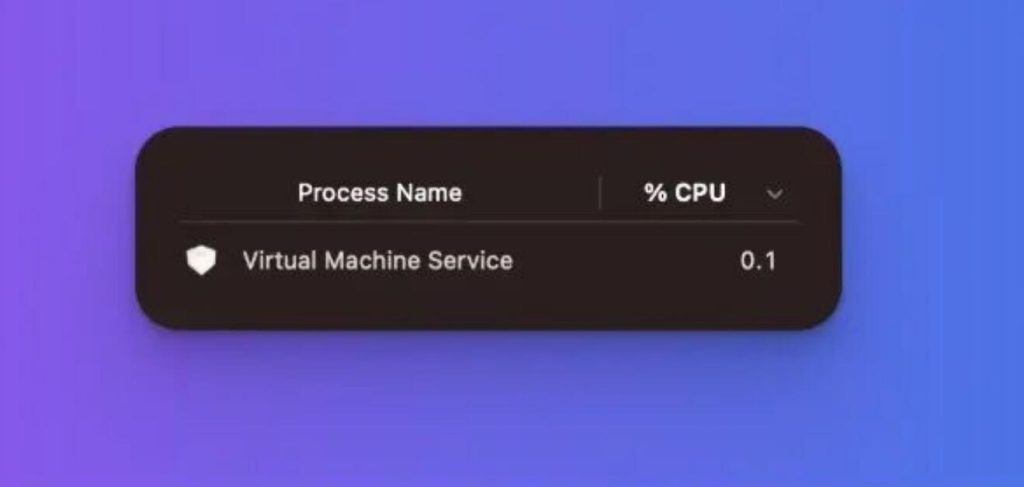
This is probably the #1 reason Mac users will love it. On Apple Silicon, background CPU usage is less than 0.1%. You’ll barely notice it’s running. Initial disk usage is only about 10MB. It won’t bloat your system or eat up your storage.
Quick Install & Usage
Installing OrbStack is straightforward:
Method 1: Homebrew (Recommended)
Just type this into your terminal:
bashbashbrew install orbstack
Method 2: Official Website
Go to https://orbstack.dev/to download the .dmgfile and drag it into your Applications folder.
Basic Usage
Switch Docker Context:
After installation, it takes over Docker with one click. Just run:
bashbashdocker context use orbstack
To switch back to your old environment:
bashbashdocker context use desktop-linux
Common Commands:
orb list: View the list of containers and virtual machines.orb stats: Check resource usage status.orb restart docker: Restart the Docker engine.ssh username@orb: Log in to the Linux VM without a password.
GUI Operation:
Open the OrbStack panel from the menu bar to visually manage containers, images, and VMs. Supports one-click start, stop, delete, and direct access to container files.
Summary
OrbStack is one of the best container and VM management tools available on macOS today. It leverages native macOS technologies to deliver faster speeds and lower resource usage while retaining all the functionality you’re used to—with virtually zero switching costs.
If you’re tired of Docker Desktop being slow, battery-draining, and memory-hogging, OrbStack is absolutely worth spending 10 minutes to try out.
For more details, check out the project page: