smart-excalidraw-next: An AI Tool That Creates Professional Charts from Natural Language
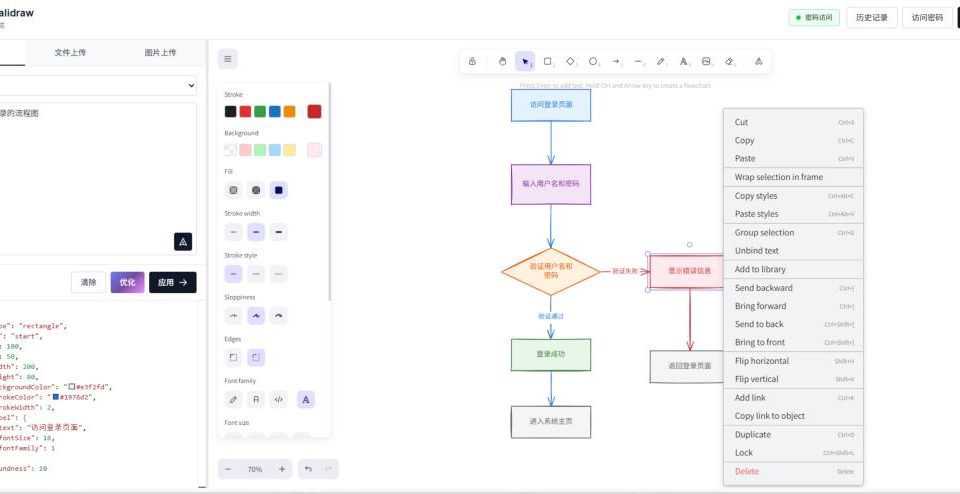
While browsing GitHub, I discovered a fascinating drawing project called smart-excalidraw-next, an AI tool that generates professional charts from natural language descriptions. You don’t need to know how to draw or understand complex drawing tools. Just describe what you want, and it will give you a chart that you can directly edit in Excalidraw. For people who frequently need to create architecture diagrams or flowcharts but find manual adjustments too tedious, this is like having an automatic assistant to visualize your ideas.
Have you ever had a clear technical architecture in your head, but felt lost the moment you opened a drawing software? The connections never seem right, and the boxes never look good. You spend half an hour painstakingly adjusting, only to end up with a schematic that even you find unsatisfying, settling for “close enough.” Now, it seems that struggle is over. This open-source project integrates AI directly into a professional Excalidraw canvas—you describe, and it draws.
1. Feature 1: Over 20 Chart Types, Just Describe It
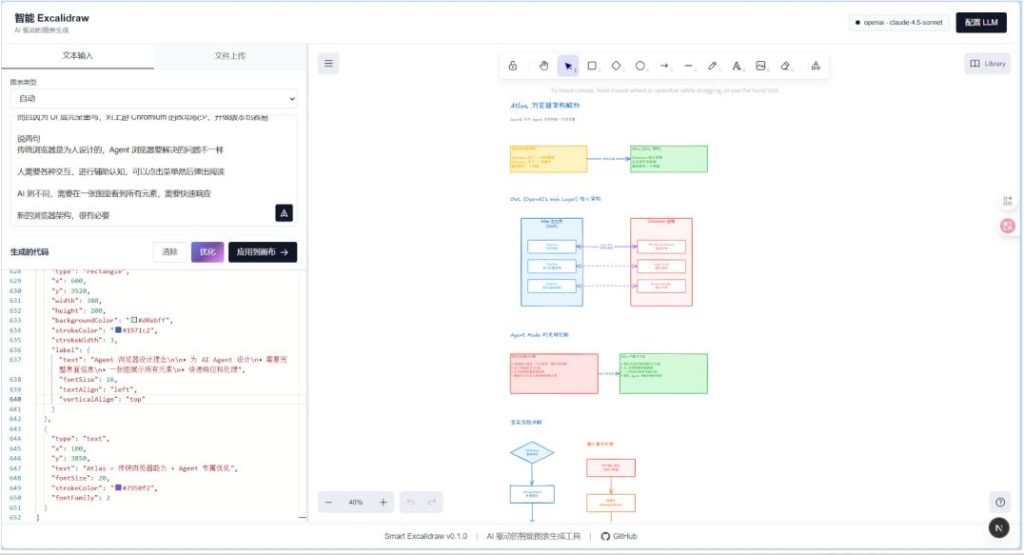
The old pain point was having to first decide whether to draw a flowchart or an architecture diagram, then apply different templates and symbols. Now, it’s simple. You just need to tell the AI, “Draw a user login flow” or “Show how microservices communicate.” It will automatically choose the most suitable chart type, handling everything from mind maps to sequence diagrams for you.
2. Feature 2: Tidy Connections, Handled by Algorithm
The most frustrating part of manual drawing is tangled, crisscrossing arrows that look like a mess. This project uses a unique intelligent connection algorithm that automatically calculates the optimal connection points for each shape, making the generated chart’s logic clear at a glance and completely eliminating spider-web-like layouts.
3. Feature 3: The End of Generation is the Beginning of Refinement
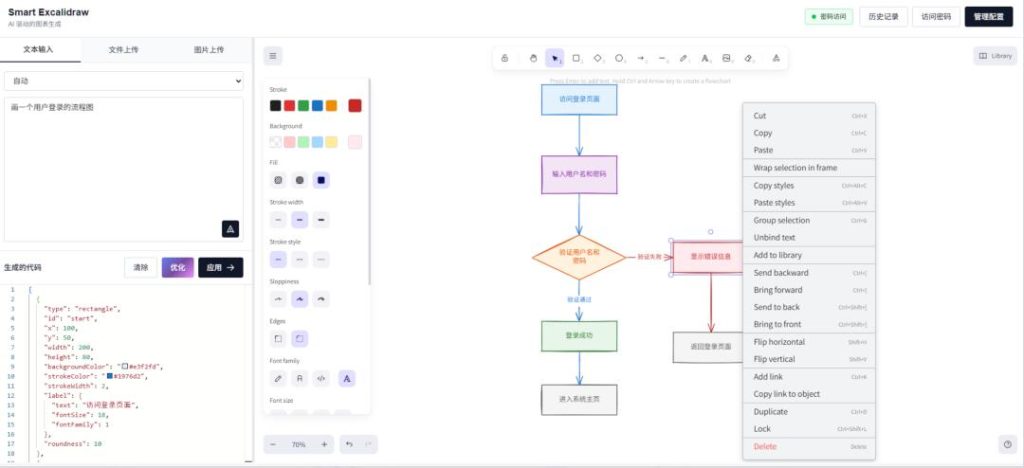
Many AI image-generation tools produce outputs that you can’t edit. But the result here is directly in Excalidraw format. What does this mean? It means the AI gives you a perfect draft sketch, and then you can refine it as if on a real canvas—dragging elements, changing colors, adding annotations—performing a second round of detailed polishing.
Two Usage Modes, Flexible for All
The author has thoughtfully considered different needs. You can use your own OpenAI or Claude API key, with all configuration stored locally in your browser for privacy and security. But if you don’t have a key or want to try it first, the project also supports an “Access Password” feature. An administrator configures a set of models on the server side, and you can use them by simply entering a password.
Bonus Feature: Out-of-the-Box Simplicity
The entire project is based on Next.js and is extremely simple to deploy. Clone it, install dependencies, and run it. All configurations are stored locally in your browser. There’s no complex backend, no annoying registration—it’s just a clean, efficient drawing tool.
bashbashgit clone https://github.com/liujuntao123/smart-excalidraw-next
cd smart-excalidraw-next
pnpm install
pnpm dev
The project has already garnered 2.6k stars on GitHub. For a concise and elegant tool, this level of attention proves that it has hit a real need for many people.
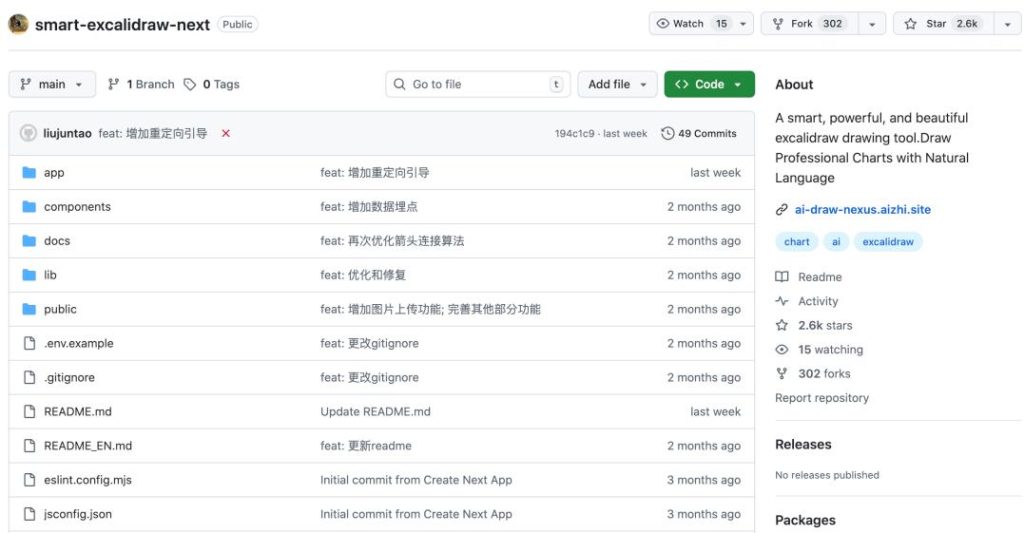
Open Source Address: https://github.com/liujuntao123/smart-excalidraw-next