frpc-desktop: A Simple GUI for the Powerful FRP
In development or daily work, intranet penetration is a high-frequency requirement. FRP (Fast Reverse Proxy), renowned for its high performance and reliability, is undoubtedly a leader in this field. However, its power comes with a learning curve: editing complex configuration files, managing server and client processes, deciphering obscure logs… These operations often deter beginners.
Enter frpc-desktop, an open-source project designed to provide a modern graphical desktop client for the FRP client (frpc). Its slogan, “Visual configuration, easy intranet penetration,” precisely targets the pain points of many users. Can it truly simplify complex network tunneling? Let’s take a closer look.
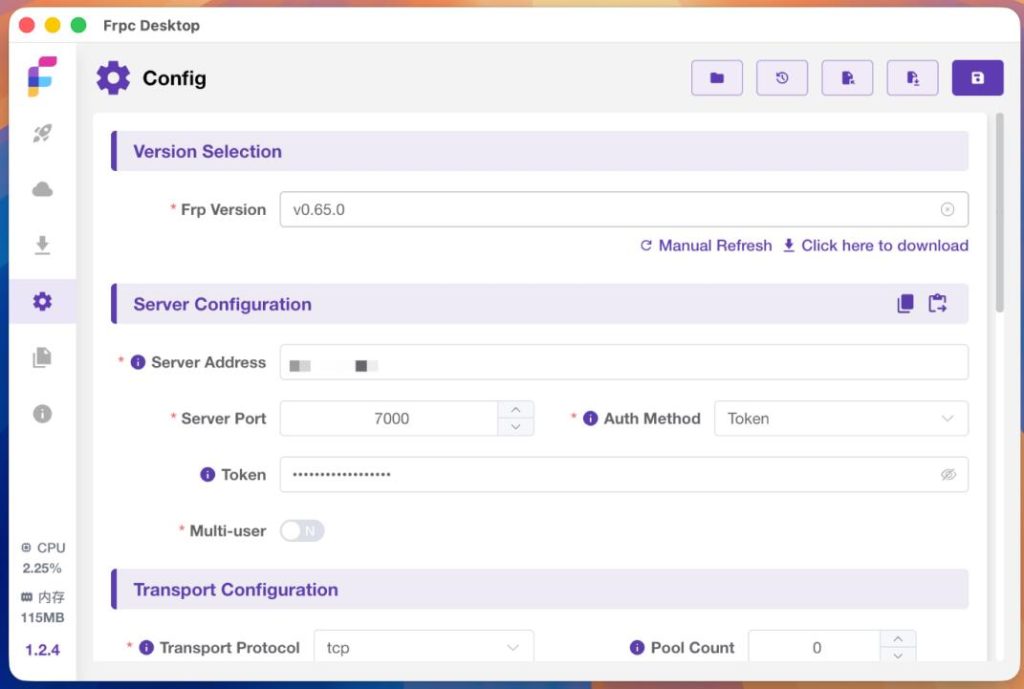
Core Transformation: From “Manual Coding” to “Click-to-Configure”
The core value of frpc-desktop lies in its thorough visual reconstruction of FRP’s configuration and management process:
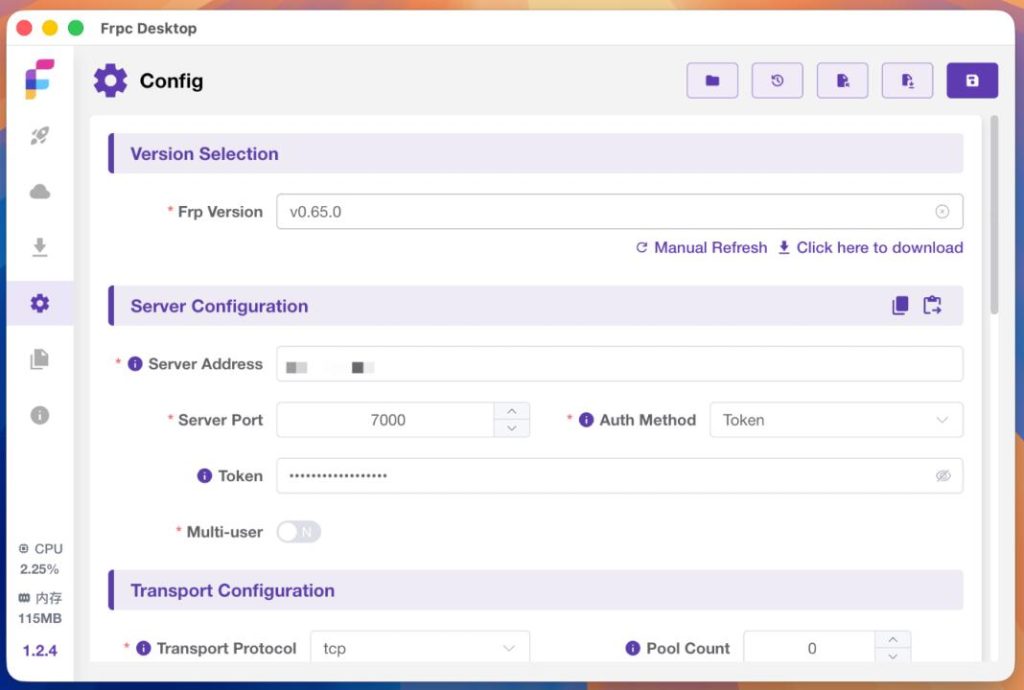
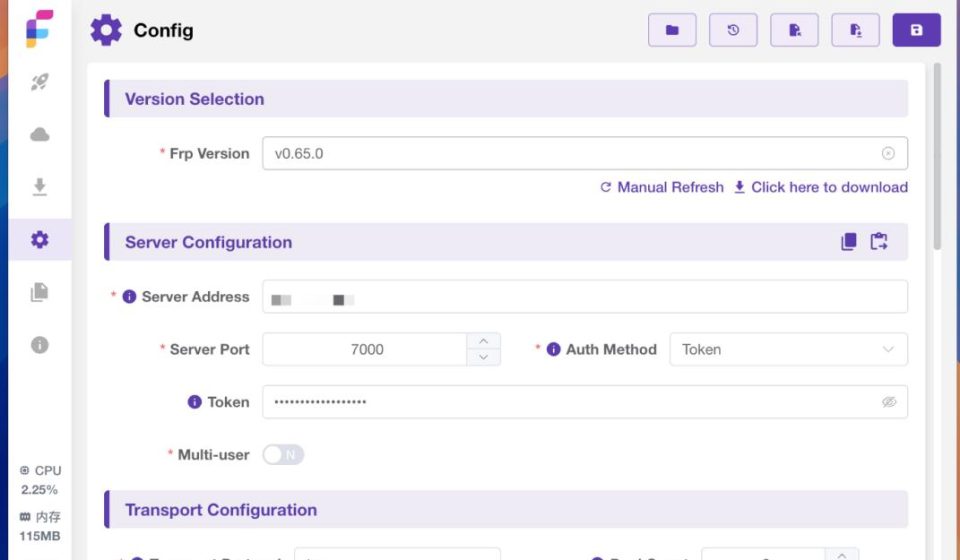
- Intuitive Form-Based Configuration: Say goodbye to manually editing
frpc.tomlorfrpc.inifiles. Now, you simply fill in clear on-screen forms with server address, local port, remote port, protocol type, and other details. Saving the form generates the configuration automatically. - Built-in Frp Version Manager: The application integrates Frp core program download and management. You can directly download and switch between different versions of frp without frequently visiting the GitHub releases page.
- Integrated Log Viewer: All runtime status, connection information, and error logs are displayed directly within the software interface. Troubleshooting becomes intuitive, eliminating the need to sift through terminal output.
- Convenient Batch Operations: Supports adding multiple port mapping rules in batches, significantly improving efficiency for scenarios requiring many open ports.
- Flexible Rule Control: Individual proxy rules can be started or stopped independently without restarting the entire frpc service, making debugging and temporary service toggling extremely convenient.
- Portable Configuration: All proxy settings can be imported and exported with one click, facilitating migration between devices or creating backups.
A Startup Process with Almost “Zero Learning Curve”
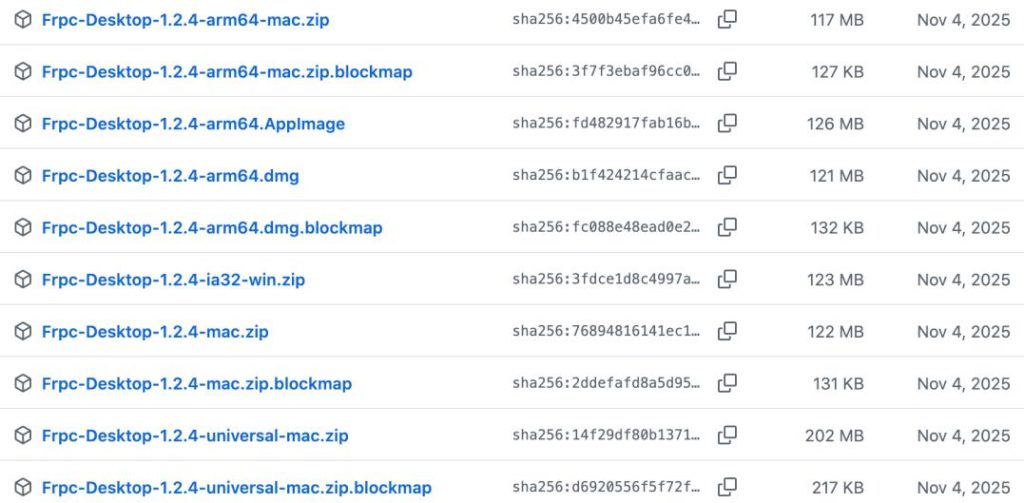
The process for using frpc-desktop is surprisingly simple:
- Download: Visit the project’s GitHub Releasespage and download the installer for your operating system (Windows, macOS, Linux).
- Prepare the Engine: Open the software, go to the “Frp Download” page, and select and download a suitable Frp version. This is the “heart” that powers the application.
- Configure & Launch: Navigate to the “Proxies” page, add your penetration rule, fill in the server details and local service information, and click the “Start” button. Your tunnel becomes active immediately.
Important Notes: Capabilities and Boundaries
While enjoying this convenience, understanding its limits is equally important:
- It’s Only a Client: frpc-desktop is a management tool for the frpc (client). You still need to prepare and run your own frps (server). The software itself does not provide a public server.
- Functionality Inherited from FRP: It is essentially a graphical wrapper for the official frp command-line tool. Therefore, it supports most features available in native frp, but it cannot implement complex functionalities not supported by frp itself (e.g., custom plugins, specific advanced load-balancing algorithms).
Conclusion: The Open-Source Value of Being “User-Friendly”
Currently, frpc-desktop has garnered over 6.4K stars on GitHub, a strong indicator of the market’s demand for “simplifying FRP.” The project is actively maintained, with timely responses to community feedback, showcasing excellent open-source spirit.
frpc-desktop might not be the most powerful solution, but it is certainly one of the best bridges to making FRP more accessible. Its value lies precisely in “lowering the barrier”—enabling a powerful technology to be easily adopted by more developers, testers, and even enthusiasts.
If you’ve been struggling with FRP’s cumbersome configuration, or are looking for a more intuitive, modern way to manage your intranet penetration services, then frpc-desktop is definitely worth a try.
Project Open Source Address: https://github.com/koharubiyori/frpc-desktop