Twake Drive: An Open-Source Cloud Storage Tool
I discovered an open-source project called Twake Drive, which is a cloud storage tool designed as an alternative to Google Drive. Nowadays, everyone is concerned about the security and privacy of their file storage, and this self-hosted solution perfectly addresses that need. It allows you to set up a private cloud drive on your own server, giving you full control over file management and link sharing. If you value data privacy or enjoy tinkering with personal services, this project is worth a try.
What is Twake Drive?
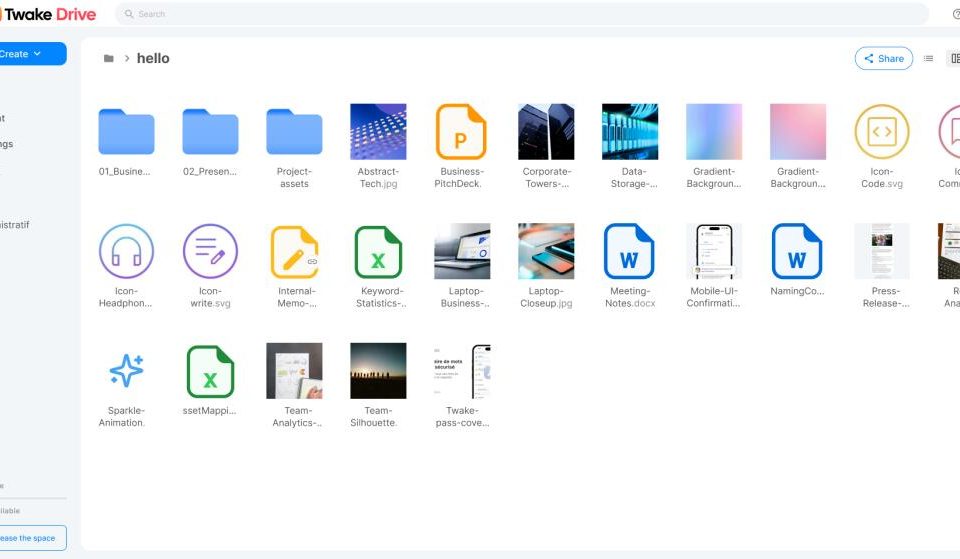
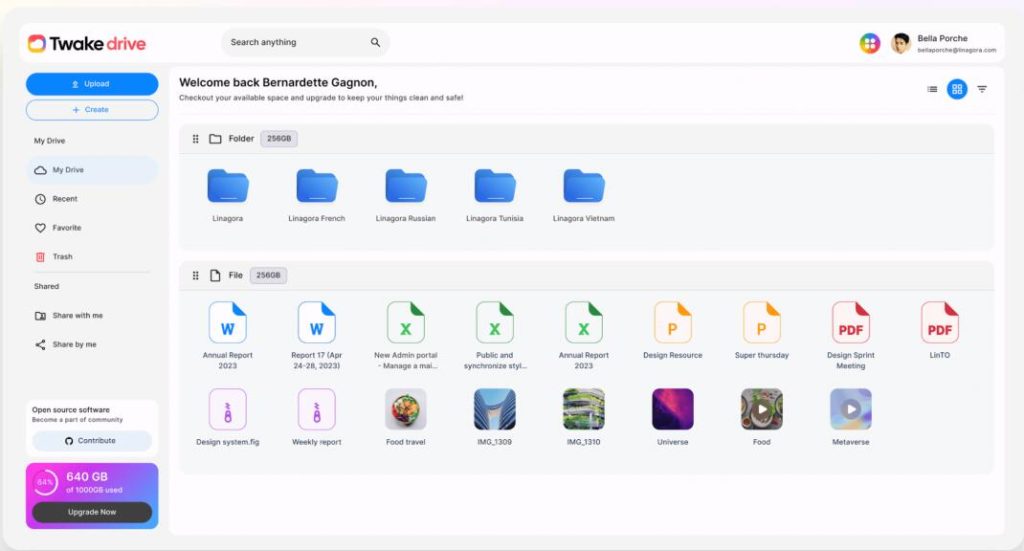
Twake Drive is an open-source file management and sharing application. You can think of it as your own “private Google Drive.” It provides core features like file tree management, upload/download, file sharing (via links), and full-text search. Built with web technologies, it can be easily integrated into the Twake collaboration platform or deployed independently.
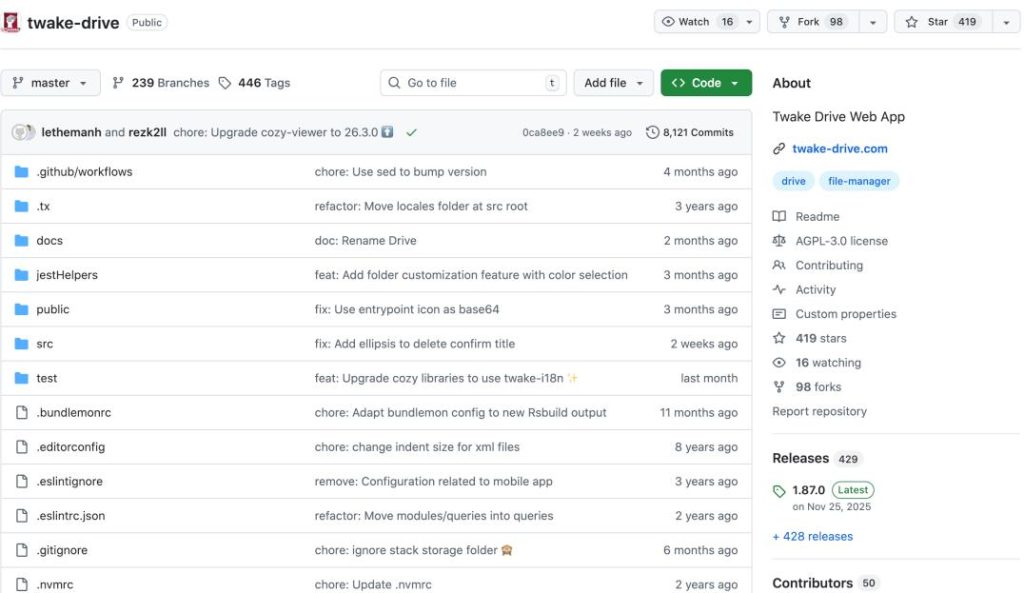
- GitHub Stars: It currently has 419 stars on GitHub.
- Main Development Languages: JavaScript and TypeScript.
Core Features
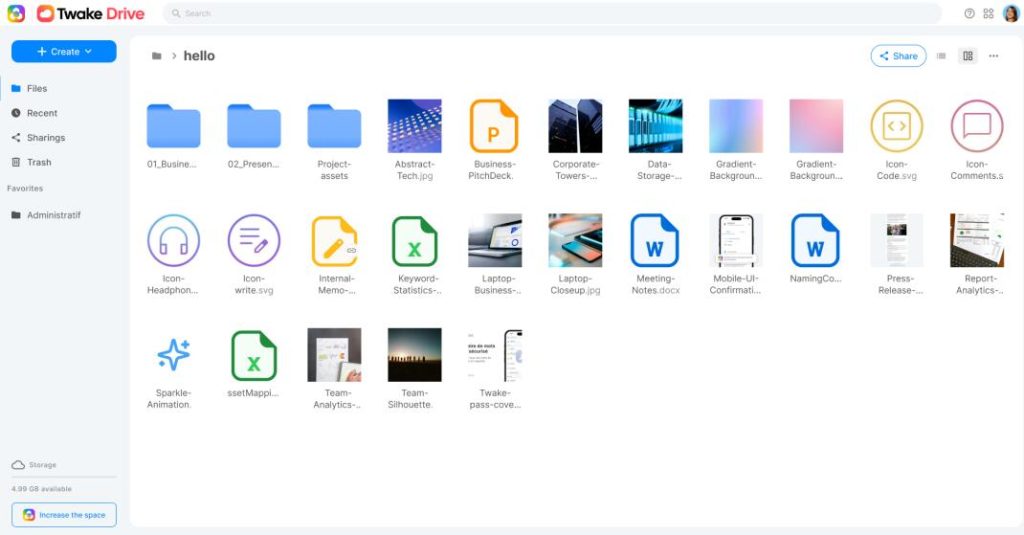
- File Tree Management It provides a clear file tree view, similar to the file explorer on your computer. You can create folders, drag and drop files, rename, move, and perform other basic operations. The interface is developed using React and the Cozy-UI component library, making it look neat and providing responsive feedback. Essentially, it brings the desktop management experience to the web.
- File Upload and Sharing File uploading is straightforward, supporting both individual files and entire folders. The sharing feature works by generating links. You can set access permissions for the links and then send them to others. This is very convenient for sharing documents within a team.
- Full-Text Search This feature is very useful when you have a large number of files. It not only searches filenames but also the textual content within files. It likely uses an indexing mechanism in the background. This means if you remember a keyword from a document but forget where it’s stored, you can find it directly through search, saving a lot of time spent manually browsing.
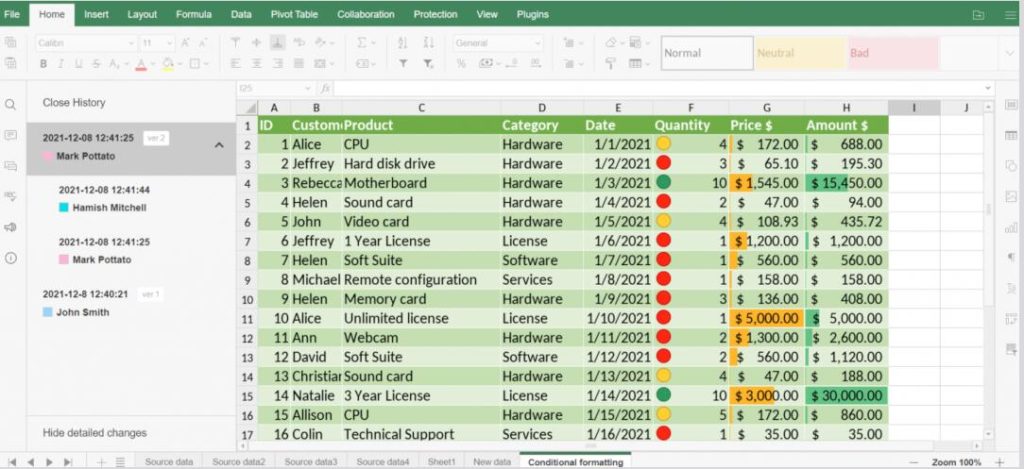
- Embedded File Preview It integrates a component called OnlyOffice for online previews of various file formats, such as PDFs, images, and Office documents. You can click on a file to view its content directly without downloading it. The project is also actively upgrading the version of this previewer, aiming to improve compatibility and performance.
- Internationalization Support The interface text is internationalized via the Transifex platform. Text for translation is extracted from the code, and translators can collaborate on the platform. Project maintainers then sync these translation files using command-line tools. This means it can be easily adapted to various languages, not just English or Chinese.
Installation Guide
- First, prepare a Node.js environment. It is recommended to use Yarn to install project dependencies.
- After cloning the project code, switch to the correct Node.js version as specified in the
.nvmrcfile in the project’s root directory. - Enter the project directory and run
yarn installto install all required packages. This should complete quickly if the network connection is good. - For Local Development and Debugging: Run
yarn watchto start real-time compilation. Simultaneously, use Docker to run a test Cozy service stack and mount this application into it. Afterwards, you can access and debug it in your local browser. - For Deployment Only: Run
yarn buildto generate static files. Then, place the generatedbuild/drivedirectory into your own server’s web directory (e.g., serve it using Nginx).
Open Source Address