Crayfish Gets “New Claws” Open Sourced! 3.1K Stars on GitHub
Wanting an AI Agent to check trending topics or search X might sound simple. But to get it running stably, there are many issues to consider. You could look for an API key, but 99% of websites don’t have APIs. You could write a scraper—code breaks when the site changes, and you have to worry about being blocked. You could use a headless browser like Playwright—re-login every time, mess with cookie management, and the site can still detect you’re a bot. The most frustrating thing? Your Chrome browser is already logged into all the websites, yet the Agent has to start from scratch.
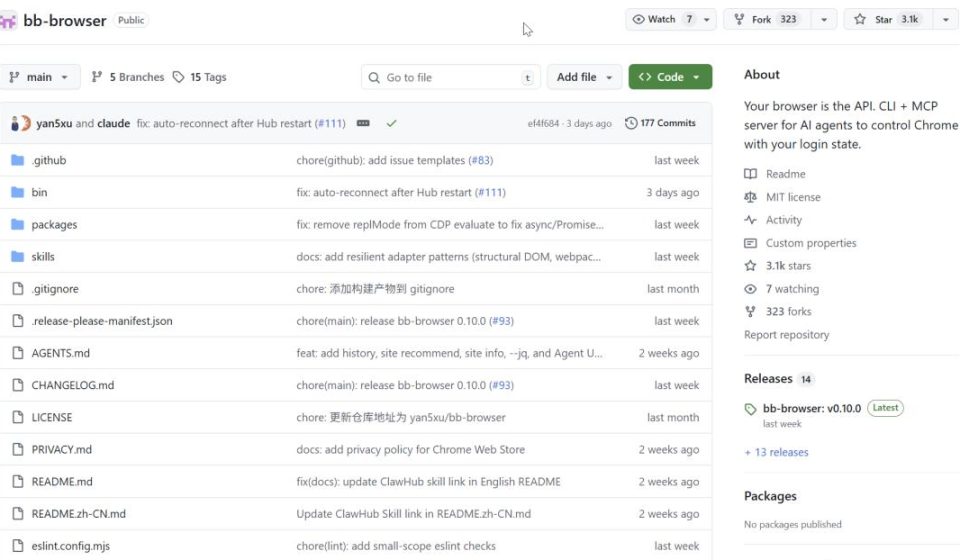
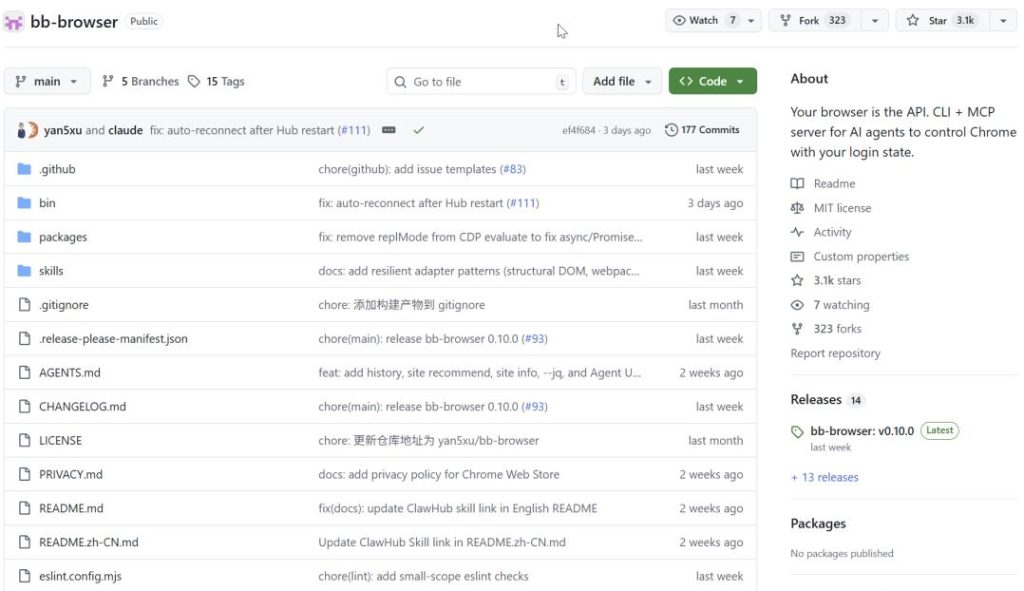
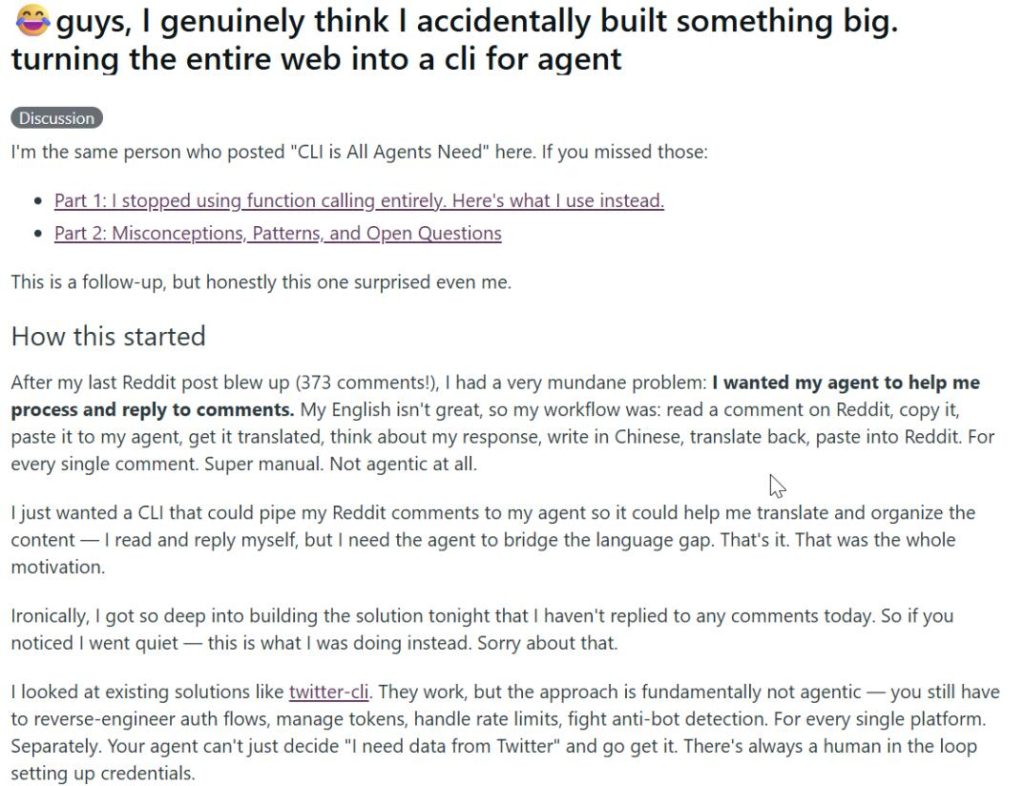
There’s a project on GitHub called bb-browser. BadBoy Browser. A “bad boy” browser. The project is open-source and currently has 3.1K Stars. The developer posted a long story on Reddit r/LocalLLaMA about the project’s origin, sparking viral spread. It was discussed on the Hacker News homepage, recommended on Zhihu columns, and heatedly debated in the Jike community. Even the author admitted the approach is “bad.” But it’s elegant to the point of being undeniable.
A “Eureka” Moment
The developer explained the project’s origin on Reddit. Initially, it was just about letting an AI Agent access Reddit. Traditional solutions were all troublesome—re-logging, managing cookies, fighting restrictions. Then he looked at his already-logged-in Chrome and thought: I’m already logged in, why do I have to do it all over again? Why not just run the code directly insidethe browser?
He tried it. He called the webpack module on the X page, had the page sign the requests itself. Status 200. Search results came back perfectly. He stared at the screen for a long moment—this thing was running in his realbrowser, using his reallogin state. The website literally couldn’t tell it apart from him using it normally. As he said on Reddit: “The website literally cannot tell this apart from me using it normally.“
That moment decided the project’s name: bb-browser, BadBoy Browser, the bad boy browser. “The approach is bad. But it’s so elegant.“
The core idea is one sentence: Use your already-logged-in real browser directly. The AI Agent runs code in your Chrome, uses your login state, and fetches structured JSON. The website sees it as you operating it.
36 Platforms, All Community-Written
In the bb-sitesrepository, there’s one JS file per command. X, Reddit, GitHub, StackOverflow, Bilibili, arXiv—basically any website you can think of has an adapter already written by someone.
bashbashbb-browser site twitter/search "AI agent"
bb-browser site zhihu/hot
bb-browser site arxiv/search "transformer"
bb-browser site eastmoney/stock "茅台"
It all returns structured JSON. Title, link, popularity—everything that’s needed. All commands support --jsonoutput and even --jqinline filtering:
bashbashbb-browser site xueqiu/hot-stock 5 --jq '.items[] | {name, changePercent}'
Gives you filtered data directly.
CLI-ifying Any Website in 10 Minutes
What’s even crazier is this. You tell the AI Agent: “Help me make the XX website accessible via CLI.” The Agent automatically reads the tutorial, uses bb-browser network --with-bodyto reverse-engineer network requests, writes the adapter, tests it, and submits a PR to the community repository. The whole process is automatic. The author tested with 20 AI Agents running concurrently, each reverse-engineering a different website, and all succeeded. He said: “The marginal cost of bringing a new website into Agent-accessible reach approaches zero.” That’s a powerful statement.
An Agent can do cross-platform research in a minute: search academic papers on arXiv, see social discussions on X, find open-source projects on GitHub, look up technical Q&A on StackOverflow, check Chinese communities on Zhihu, read industry news on 36Kr. Six platforms, six dimensions, all structured JSON. Faster than any human researcher.
Three Commands
bashbashnpm install -g bb-browser
bb-browser site update
bb-browser site zhihu/hot
Install, pull adapters, and go.
Three Operating Modes: OpenClaw mode (--openclaw, uses OpenClaw’s built-in browser, no extension needed), Chrome extension mode, MCP mode (integrate with Claude Code / Cursor).
Known Issues:
- On Windows,
--openclawmight throw aspawnSync npx ENOENTerror; use--portto specify a CDP port. - macOS has IPv6 issues; the Daemon needs
--host 127.0.0.1to bind to IPv4.
Security Note: Someone performed a security audit and found 4 critical vulnerabilities—zero authentication, wildcard CORS, eval injection. The author has since fixed them. But a word of caution: Don’t run bb-browser while logged into your bank account. This “impersonating a user” approach might violate some websites’ Terms of Service. Be aware when using it.
GitHub Address: https://github.com/epiral/bb-browser
“The internet was designed for browsers. AI Agents have been trying to access it through APIs, but 99% of websites have no API. bb-browser does the opposite: instead of forcing websites to provide machine interfaces, let the machine use the human interface directly.”
BadBoy Browser. The approach is bad, but it’s indeed elegant.