Under 6MB, This PDF Tool is More Than Enough
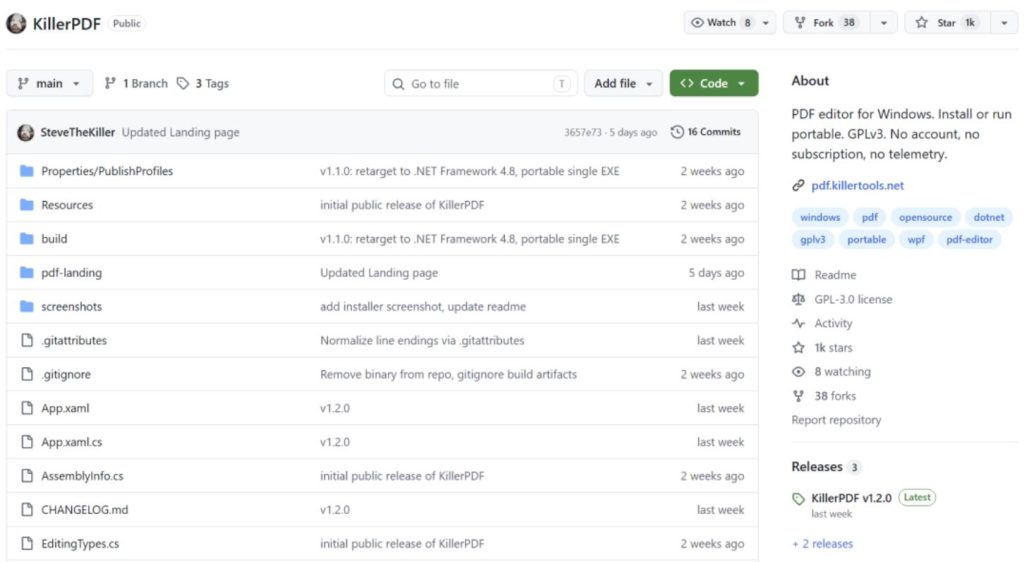
In just two weeks, a newly open‑sourced PDF editor has gained over 1,000 stars. No hype, no big‑company backing—just a single‑file utility for Windows, with a compressed package of only 6MB. Yet it’s spreading quickly among developers for one simple reason: it truly does one thing—no subscription, no registration, no internet required, no telemetry, open and get to work.
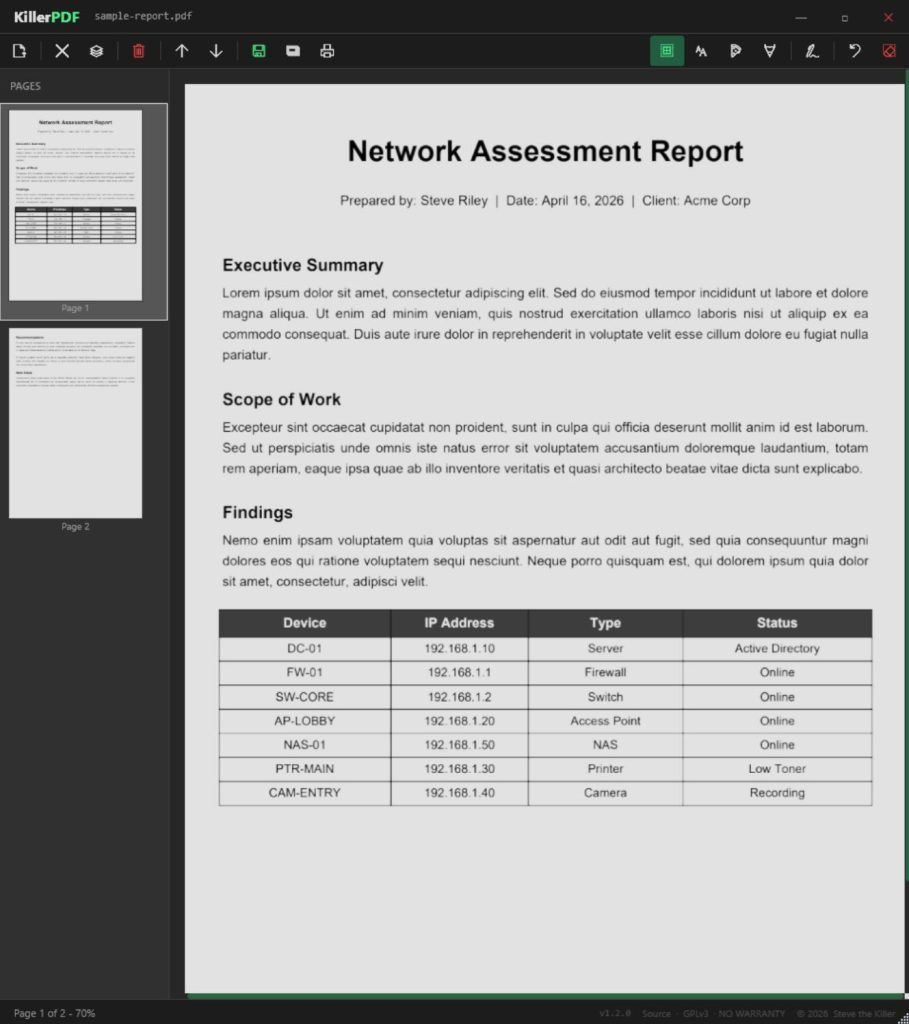
The project is called KillerPDF. Just open‑sourced two weeks ago, its popularity is rising fast. It’s a local tool for quickly viewing, editing, merging, splitting, annotating, signing, and printing PDFs, summed up in four words: clean and efficient.
- Supports portable installation; no login needed; the whole process requires no internet connection.
- The entire installer is only 6MB; download, extract, and run the .exe.
These days, many PDF tools are getting bloated—taking ages to open a file, piling on features that you rarely use, and popping up windows urging you to upgrade to a paid plan. KillerPDF is all about “small and beautiful.”
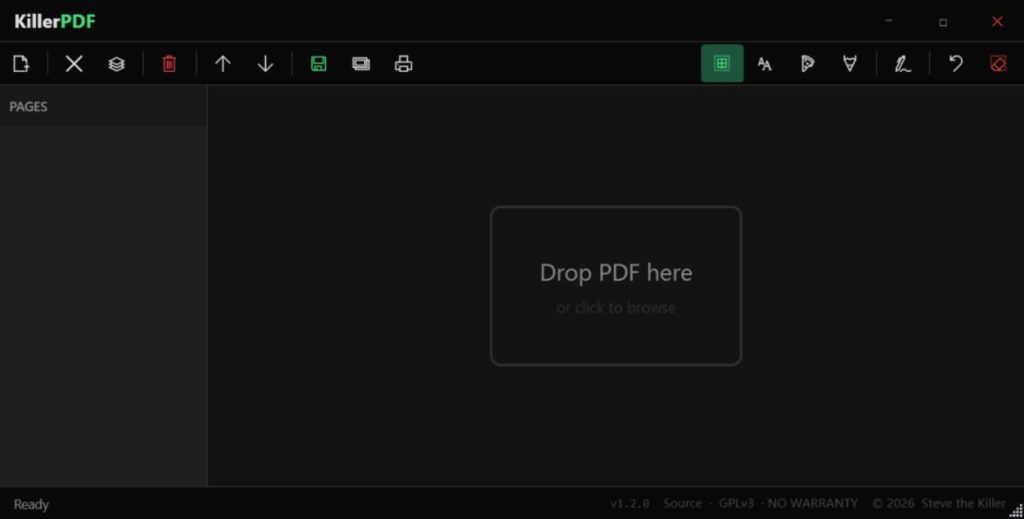
KillerPDF main interface
The useful features are grouped into 7 categories, each of which is genuinely practical.
- Basic PDF viewing and editing Open a PDF and edit text directly, with automatic font matching to keep the original typography consistent. Don’t underestimate this basic function—many free tools either can’t edit text directly or mess up fonts and layouts when you try. For everyday tasks like changing a name, adjusting a date, or fixing a typo, this is completely sufficient.
- Merging and splitting PDFs is also straightforward Drag and drop multiple PDFs to merge them into one file, or extract selected pages from a long PDF and save them as a new PDF. The interface is intuitive, and you can reorder pages by dragging.
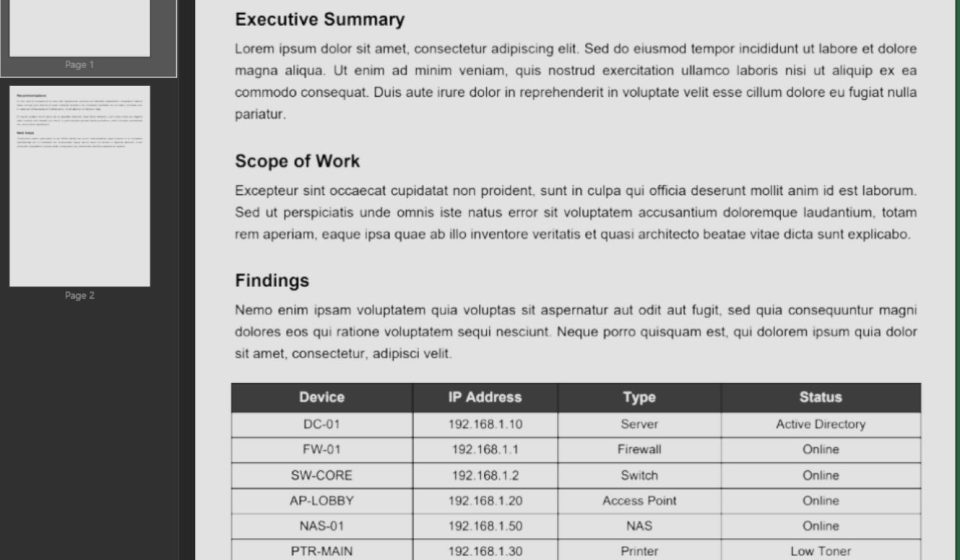
- Annotations and signatures It supports text highlighting, text‑box insertion, and free‑hand drawing, with customizable colors, font sizes, and opacity. Handwritten signatures can be saved once and reused later, placed anywhere in the document. No more printing, signing, and scanning—just highlight key points and sign electronically in one go.
Highlight and annotation feature
- Full‑text search and copy Search for a keyword in the PDF and the relevant content will be highlighted. Text in the document can also be selected and copied directly. Many readers have this feature, but the difference here is speed—it opens and searches instantly, with no long loading times.
- Printing and flattening When printing, all annotations and electronic signatures are printed as expected, no extra settings needed. The built‑in “flatten” function is even more useful: with one click, the PDF is converted to an image‑based layout, preventing others from easily tampering with the text. Perfect for sending contracts or submitting official documents, as it prevents unauthorized content changes.
- Password‑protected PDF support We often encounter password‑protected PDFs, and many tools simply throw an error and refuse to open them. Starting from v1.2.0, KillerPDF pops up a password input box—enter the correct password, and you can open and edit normally. Its compatibility is solid.
- Portable installation It defaults to a portable, green‑install mode—click and run. If you prefer a conventional installation, you can switch on first launch. After installation, it automatically associates with PDF files, creates Start Menu shortcuts, and doesn’t require admin rights. Uninstalling leaves no residue.
To be honest, this tool isn’t a jack‑of‑all‑trades. Let’s be clear about its limitations and scope so you can choose according to your needs.
KillerPDF is inherently a lightweight daily‑use tool. It’s not meant to compete with the full Adobe suite, nor is it suitable for an enterprise‑grade document‑management system. It lacks:
- OCR text recognition: You can’t extract or edit text from scanned‑image PDFs.
- Format conversion: It can’t convert PDFs directly to Word, Excel, etc.
- Advanced features: No fillable‑form creation, batch automation, or cloud‑based multi‑user collaboration.
Also note: it currently only supports Windows 10/11 64‑bit. Mac and Linux users can’t use it for now.
How to install and use
Go to the GitHub Releases page, download KillerPDF.zip, extract it, and double‑click KillerPDF.exe. The first launch will show a dialog asking if you want to install. Choose “Run” for a one‑time use; select “Install” to set it as the default PDF viewer. No environment setup, no runtime to install—Windows 10/11’s built‑in .NET Framework 4.8 is enough.
How it compares to other tools
Simply put:
- Need OCR, format conversion, cross‑platform? Choose PDFgear or PDF24.
- Just want to quickly edit text, add signatures, merge files? Choose KillerPDF.
KillerPDF’s advantage is its lightness and speed. Open it and get to work—no loading waits, no pop‑up harassment.
Final thoughts
Honestly, after using KillerPDF, I’ve come to realize what I actually need. I used to think more features in a PDF tool were better, so I installed a bunch of software that took forever to open and had more pop‑ups than functions. What I really used was just editing a few words, signing something, or combining a couple of files.
KillerPDF is like a handy pocket knife—not flashy, but it cuts exactly where it should. It won’t replace PDFgear or Acrobat on your computer, but when you just want to get something done quickly and move on, it’ll be the first tool you reach for.
The project is open‑source under the GPLv3 license. If you’re interested, check out the source code and documentation on GitHub.
GitHub Repository: