14.4K Stars on GitHub Trending! Your Codex is No Longer Alone
When using Codex to write code, have you ever experienced this frustrating situation? A complex refactoring task requiring changes across a dozen or even dozens of files at once… After handing the task to AI, most people’s workflow looks like this: You tell the AI to understand the architecture. After understanding, you tell it to write the code. When it’s mostly done, you need to review the code, and finally, you have to run the tests.
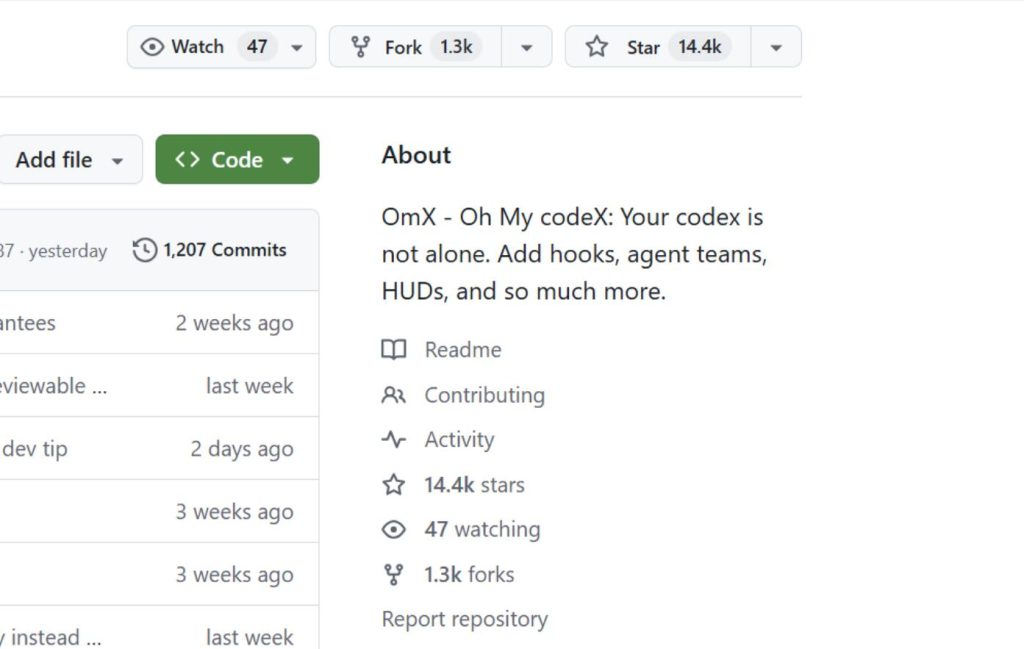
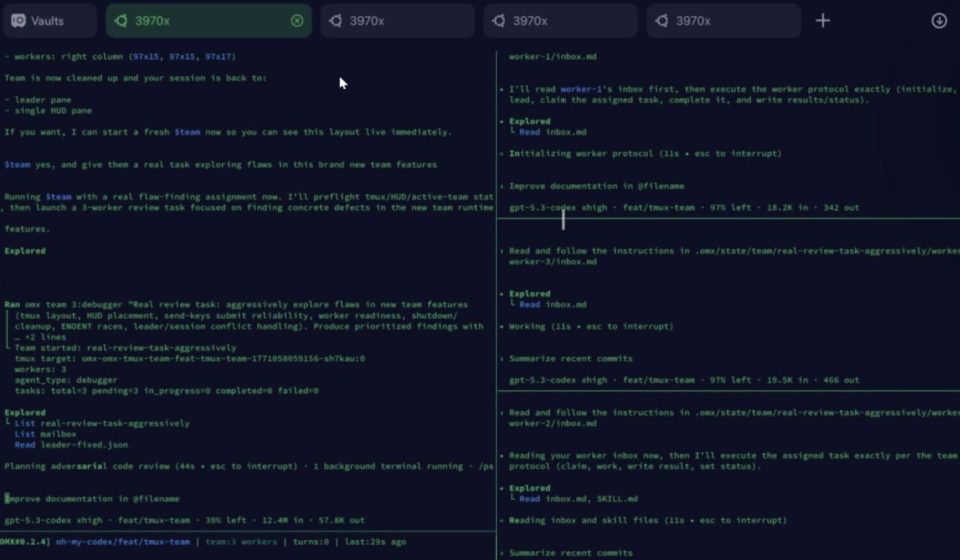
Going through the whole process feels like fighting a battle alone. You have to string all the steps together, which is inefficient and exhausting. Native Codex originally had no workflow orchestration capability whatsoever. No hooks, no HUD, let alone multiple agents working together. It seems OpenAI recently made some upgrades, but the native hooks and HUD are still not particularly strong. Many power users still opt for community-provided tools that have done the job. Recently, I came across a project on GitHub—oh-my-codex (abbreviated as OMX). It’s trending on GitHub and has gained 14.4k Stars.
Project Introduction
Codex itself is already powerful, so why add another layer? You can think of OMX as a “command center” for Codex. Native Codex is like a capable worker who does exactly what you tell it. But for complex tasks, you have to act as the project manager—breaking down tasks, assigning work, coordinating progress, and checking quality. OMX automates these management tasks.
It includes over 30 pre-set roles (Architect, Executor, Reviewer), more than 40 workflow templates (Requirement Clarification, Plan Approval, Persistent Execution), and can even have multiple AI Agents work in parallel. It’s implemented with shell + tmux and doesn’t require forking Codex’s Rust code. The author’s reasoning: “Codex is written in Rust, and I’m not confident keeping up with upstream. So I made a workaround with shell + tmux.”

Notable Features
- Easy Role Switching: Previously, you had to repeatedly tell Codex, “Now you are the architect, help me design a solution.” Now, just type
$architect, and the AI automatically switches to architect mode. OMX has 30 built-in roles: Architect, Executor, Debugging Specialist, Security Auditor… pretty much any role you need. - Built-in Workflow Templates, One-Key Invocation: OMX has 40+ built-in common workflows:
$deep-interview: Helps clarify requirements.$ralplan: Helps create a technical plan.$ralph: Writes code according to the plan.$team: Multiple AIs work together. Previously, you had to manually go through these steps. Now, input a keyword, and the code runs automatically.
- Team Mode, Multiple Agents Work Together: This is the most impressive feature. Type
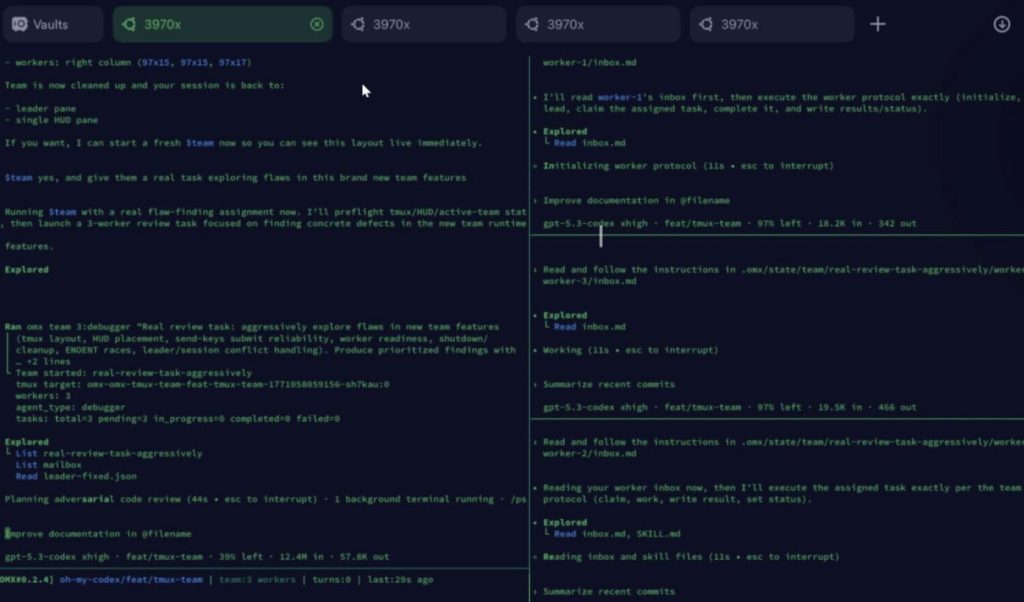
$team 3:executor, and it simultaneously launches 3 Codex sessions. Each AI works in its own separate git branch, avoiding interference and conflicts. Even more impressive, Codex, Claude, and Gemini can be mixed in one team, each doing its own part. - Monitoring Dashboard, Easy Progress Tracking: Run
omx hud --watchin the terminal, and you can see real-time progress.- First layer shows: Which model is being used, which git branch, and how much context is left.
- Second layer shows: Which AI is working, which round it’s on, and if it’s running or waiting. This is especially useful for long-running tasks. Otherwise, you wouldn’t know if the AI is stuck or working normally.
Installation Guide
First, you need to install @openai/codexand oh-my-codex.
bashbashnpm install -g @openai/codex oh-my-codex
After installation without errors, run the following command to initialize:
bashbashomx setup
After initialization, you can start it with one command:
bashbashomx --madmax --high
Note: omx setupautomatically installs 30 agent prompts and 40 skills. The whole process is quick, taking about 2 minutes.
Practical Example
Beginners shouldn’t start with --madmax+ $teamright away; it’s easy to mess up. Let’s say you want to add a user login feature. You can proceed step by step.
- Let the AI help you clarify the requirements: bashbash
$deep-interview "Add a user login feature. Haven't decided between JWT or Session yet."The AI will ask a bunch of questions: How many users? Need single sign-on? Remember login status? - Now, let the AI give you a technical plan: bashbash
$ralplan "Based on the above, give me a login plan. Pay attention to security and performance."The AI will list a plan: tech stack, database design, potential pitfalls. It usually gives two choices: - Implementation:
- Option A: One agent works slowly, suitable for small needs. bashbash
$ralph "Implement the login feature according to the plan." - Option B: Start 3 agents to work together, parallel acceleration. bashbash
$team 3:executor "One writes the backend API, one writes the frontend page, one writes tests."You can choose one. After running this, the login feature is basically done. The whole process summarized is: Requirements → Plan → Code → Test → (to deployment).
- Option A: One agent works slowly, suitable for small needs. bashbash
Final Thoughts
If you’re a terminal user and frequently use Codex to write code, OMX is definitely worth trying. It’s not a replacement for Codex; it adds a layer of orchestration capability. It lets you coordinate multiple AI Agents with simple commands, making your workflow smoother. Looking ahead, this kind of multi-agent orchestration tool will become more common and better.