Another Note-Taking Tool Goes Viral, Over 30k Stars on GitHub
It’s been a while since I shared a writing tool. Recently, I came across a writing tool called Tolaria. It’s quite interesting. In just 3 months, it surpassed 10k GitHub Stars and became the 10th fastest-growing repository globally two weeks after its release. When it comes to writing and knowledge management, many people automatically recommend Notion and Obsidian. Why is a new player exploding in popularity? Perhaps it’s related to the author’s background: someone who wrote a technical blog for 5 years, accumulated over 9,000 notes, and finally found that existing tools on the market weren’t suitable, so he built his own.
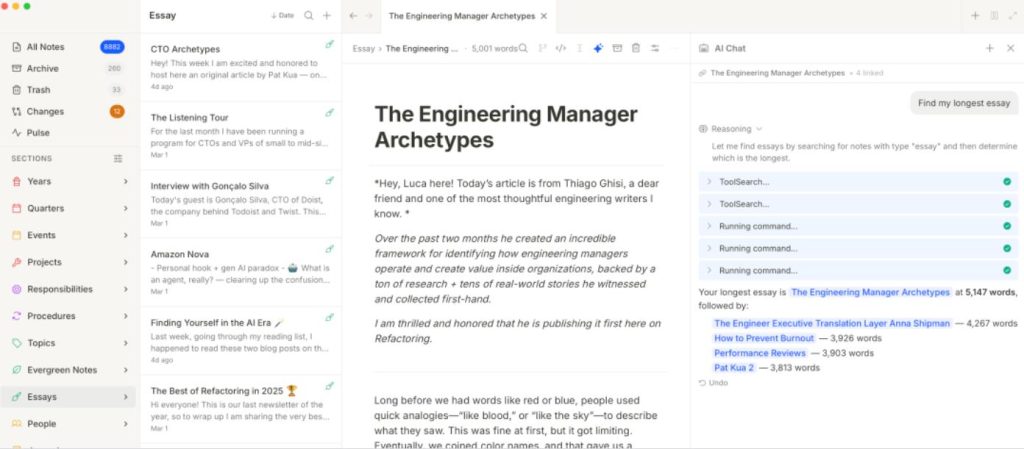
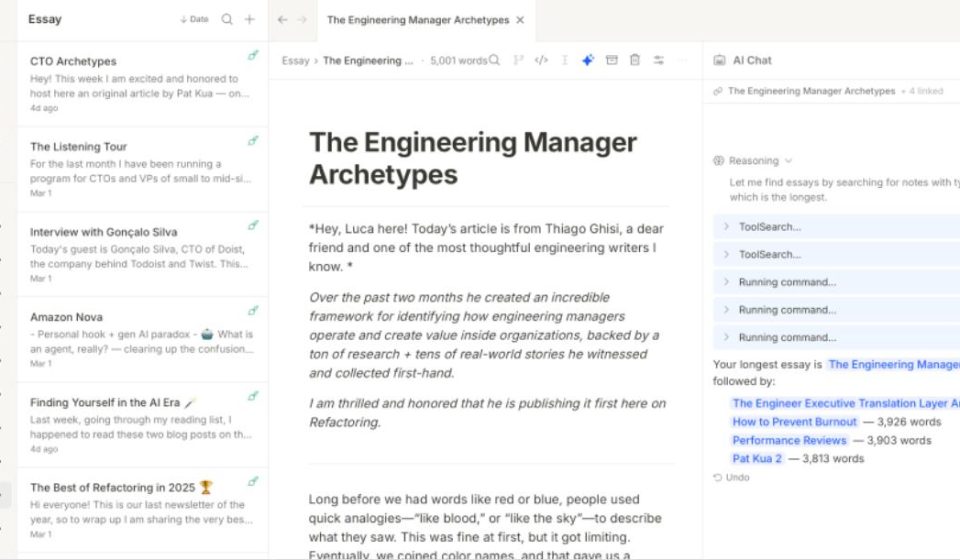
Tolaria is a desktop application for managing Markdown knowledge bases, with a local-first philosophy, native Git integration, and built-in support for AI to directly read/write notes. It uses the Tauri+React+Rust tech stack, resulting in a small package size, fast startup, and extremely low memory usage. It essentially combines Notion’s editing experience with Obsidian’s local-first philosophy.
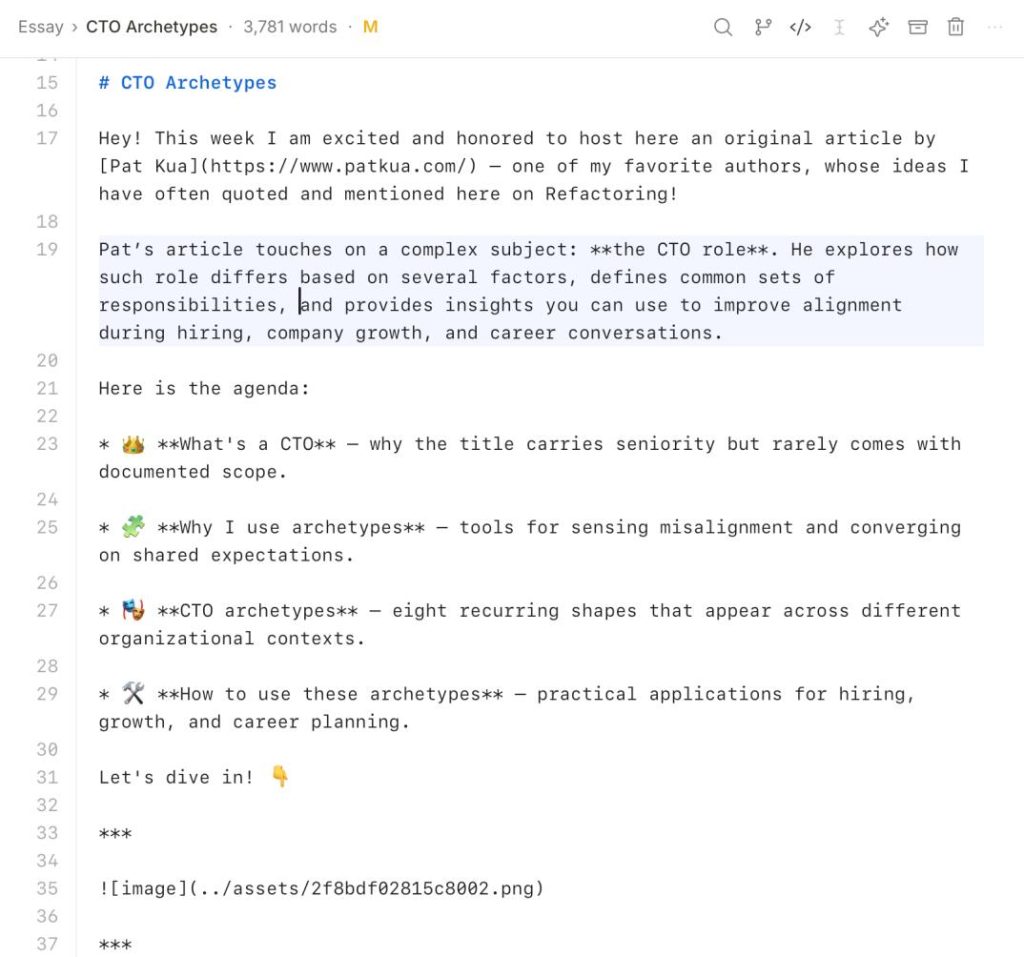
01 Local Markdown Storage. All notes are stored as plain Markdown files, using YAML frontmatter to describe structured metadata. What you see on your hard drive are just .mdfiles. You can open them with any editor, even search via command line with grep. If Tolaria shuts down someday, or you stop using it, your data remains; it won’t disappear with the platform.
02 Notion-Style Block Editor. Like Notion, Tolaria provides a block editor that supports slash commands, drag-and-drop, and live preview. It offers the smooth, “Dove chocolate”-like writing experience of Notion, but all operations are performed locally, with no lag from cloud syncing.
03 Wikilinks (Bidirectional Links). To my pleasant surprise, it also supports wikilinks for bidirectional linking. You can link to other notes using [[Note Name]]to build a knowledge network.
04 Live Preview. When editing Markdown, the right side renders the final effect in sync. What you see is what you get.
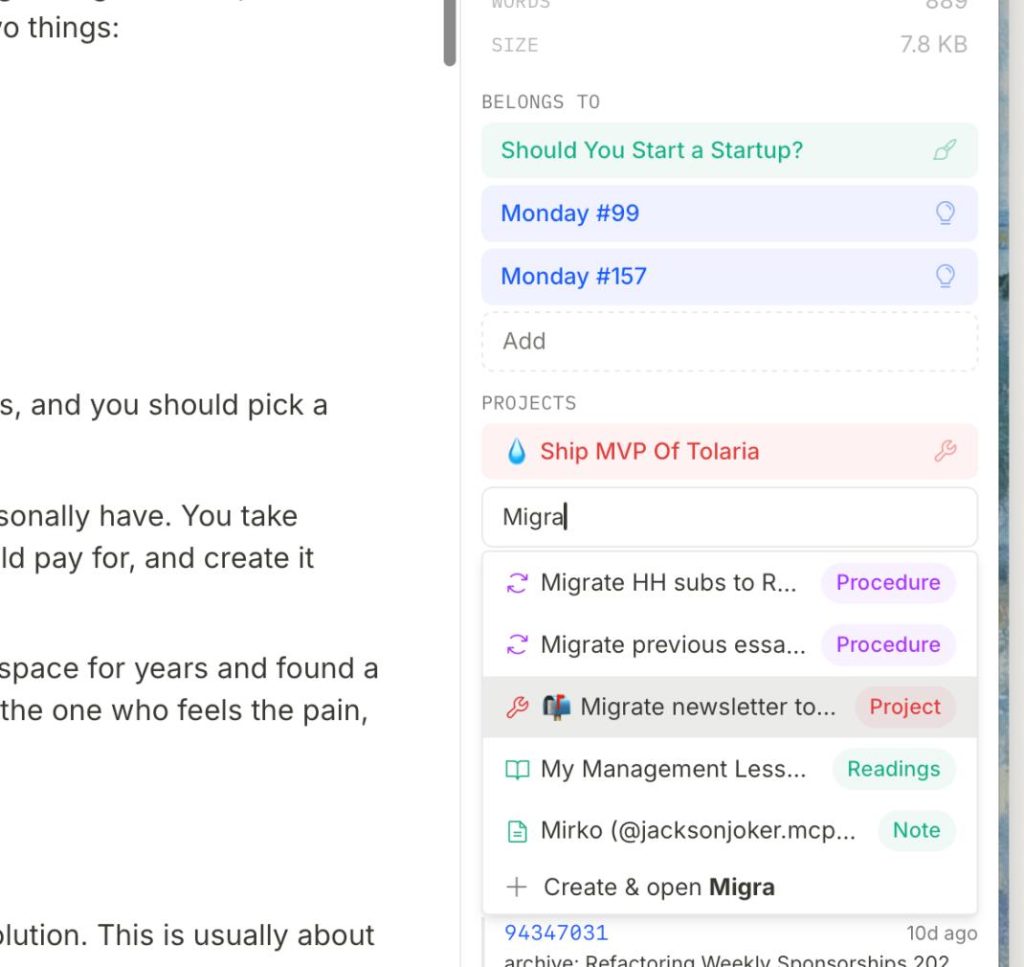
The real differentiator is its native Git integration. This is where Tolaria (and Obsidian) sets itself apart.
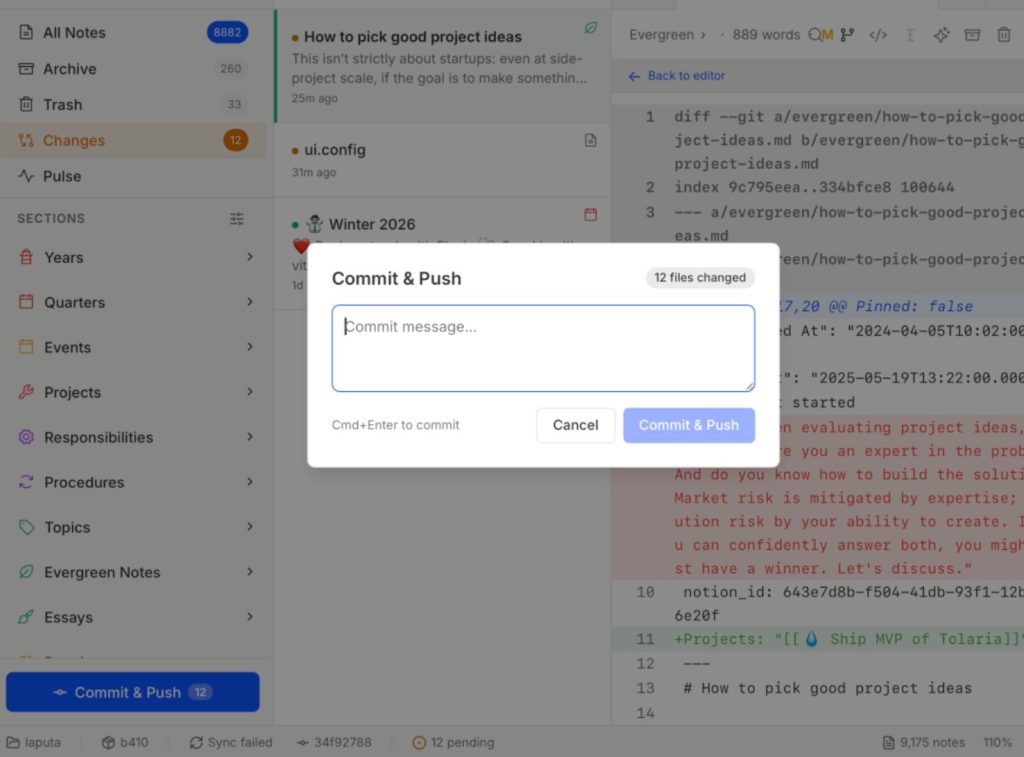
01 Git Repository Management. It treats each knowledge base as a Git repository. Built-in Git tools let you store versions, sync content, view history, and compare changes. Another benefit is the ability to manage your knowledge base with GitHub. It has built-in version history; if you accidentally delete or modify something incorrectly, you can restore it with one click. Some might say Obsidian can do this too. It can, but it requires installing a plugin and configuring Git, which is slightly more complex.
02 Visual Git Operations. Moreover, it turns Git operations into a visual interface. You don’t need to remember command lines; a few clicks complete commits, pushes, and viewing history. This significantly lowers the barrier for users unfamiliar with Git.
AI features are also a must. This isn’t just about adding an AI chat window in the sidebar.
01 MCP Server. Tolaria has a built-in MCP (Model Context Protocol) Server, turning your knowledge base into a structured data source that AI can directly interact with. Specifically, when you connect AI programming tools like Claude Code, Codex CLI, or Gemini CLI, they can directly search your notes, read content, and even create new notes.
02 AGENTS.md File. Tolaria also automatically generates an AGENTS.mdfile that tells the AI how your knowledge base is organized, what conventions and structures it has. This is like installing a memory chip for your AI assistant, allowing it to work based on your private knowledge system rather than starting from scratch each time.
For example, if you’ve accumulated a large number of technical notes in your knowledge base, including React component design patterns, performance optimization tips, and testing best practices, when you ask the AI to help you write code, it will first read your knowledge base, understand your coding style and preferences, and then generate code that matches your habits. Instead of giving you a generic answer that might not fit your project’s standards.
Some in the community call Tolaria “Notion’s skin, Obsidian’s heart.” This metaphor is accurate but not complete. It’s more like stitching Notion’s editing experience, Obsidian’s local philosophy, and a layer of AI-native design into a new species.
Here are a few points I should mention:
- It is not a team collaboration platform like Notion; it lacks real-time collaboration, permission management, etc.
- Its plugin ecosystem is not as rich as Obsidian’s, being a new project.
- There is no mobile app yet, which is indeed inconvenient.
After seeing these features, I’m sure you can’t wait to try it. The easiest way: Go to the GitHub Release page and download the latest installer. Click “Next” until installation is complete.
Final Thoughts
- Notion: Data is in the cloud, strong collaboration features.
- Obsidian: Data is local, rich plugin ecosystem.
- Tolaria: Also local storage, but adds Notion-style editing, plus deep Git and AI integration.
If you’re already using Notion or Obsidian and it works for you, there’s no need to switch. But if you want to try the combination of local storage + Notion editing + Git + AI, Tolaria is worth a look. Tolaria is open-source under the AGPL-3.0 license. If you’re interested, you can check out the source code and documentation in the GitHub repository.
Open Source Address: https://github.com/refactoringhq/tolaria