Audiomass: Open-Source, Free, Web-Based Audio Editing Tool
An open-source, free, web-based audio editing tool. Open your browser to record, cut, mix, and master. It now supports multi-track sessions, effectively bringing the core functionality of traditional desktop DAWs into the web.
GitHub: https://github.com/pkalogiros/audiomass
Online Demo: https://audiomass.co/
What can it do?
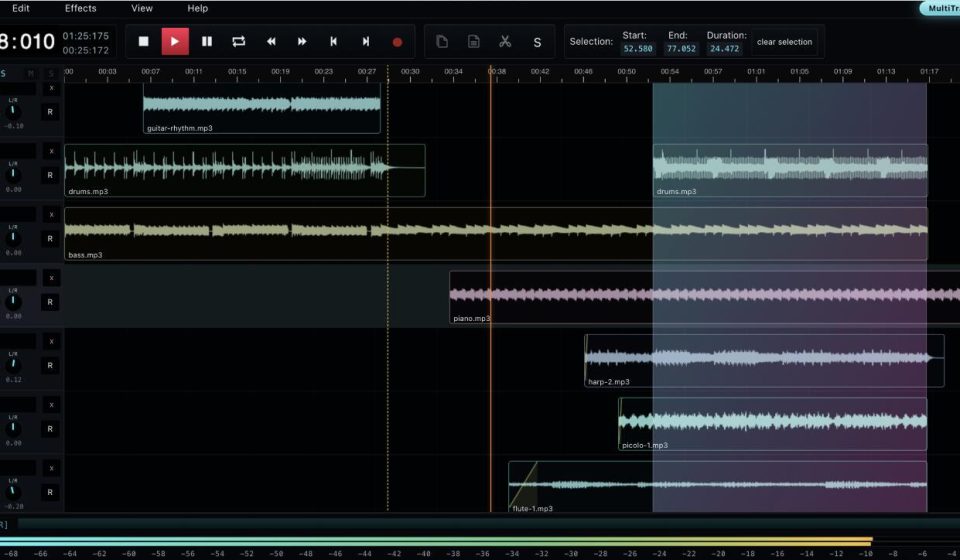
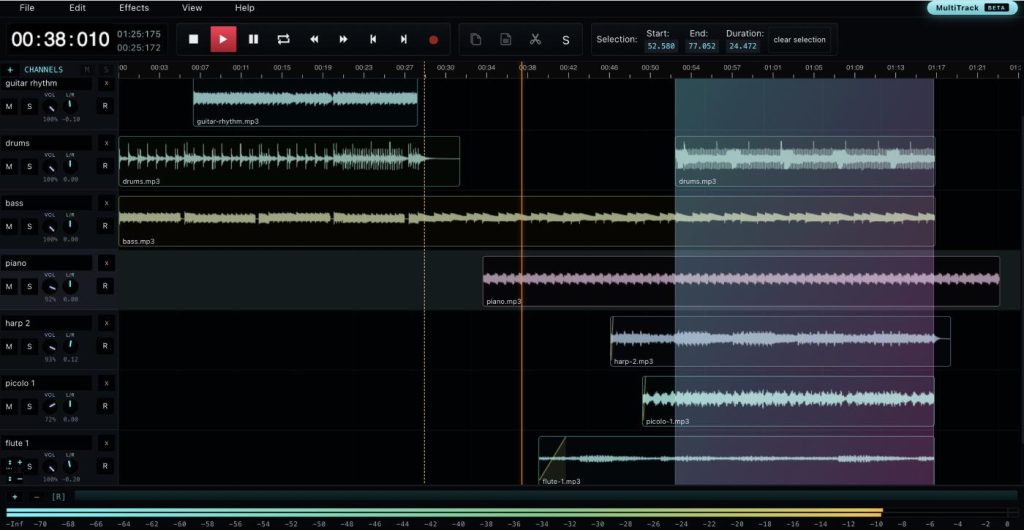
- Multi-Track Mixing: This is the headline new feature. You can stack multiple audio tracks, drag and drop clips around the timeline, and overlapping regions automatically create crossfades. After recording or editing, you can bounce everything down to a single exported file. For those who don’t want to install Pro Tools or FL Studio, this lightweight approach is very appealing.
- Precision Waveform Editing: This is its original strength. You can zoom in to the sample level to cut, copy, paste, and delete. It supports Undo/Redo, allowing you to revert mistakes. With keyboard shortcuts, it feels as smooth as using Audacity.
- Effects Rack: A built-in suite of essential effects. EQ, dynamics processing, and spatial effects can all be previewed in real-time. For podcast post-production or quick music mixing, you don’t need to jump to another program to load VSTs.
- Direct-to-Project Recording: Click record to capture audio from your mic or line-in. The recording appears directly on the timeline, eliminating the hassle of importing files later.
- Format Compatibility: Opens common formats like MP3, WAV, and OGG. Export options allow you to select different bit depths and sample rates. Whether you’re dubbing a short video or producing a podcast, you won’t hit format roadblocks.
- Interface Layout: It uses a dark theme optimized for production. The timeline, toolbar, and properties panels are compactly arranged, making it viable on small laptop screens. Unlike some web tools, it avoids excessive whitespace that shrinks the actual workspace.
Who is it for?
- Anyone who occasionally needs to edit audio but doesn’t want to install software.
- Podcasters needing a quick way to rough-cut episodes.
- Users who switch between multiple devices and want their projects tied to their account.
- Developers curious about how deep you can go with the Web Audio API.
It may not replace a full-fledged DAW, but it covers 70–80% of daily audio tasks perfectly.