GitHub Star Explosion: 46k! This AI Terminal Powerhouse Finally Goes Open-Source
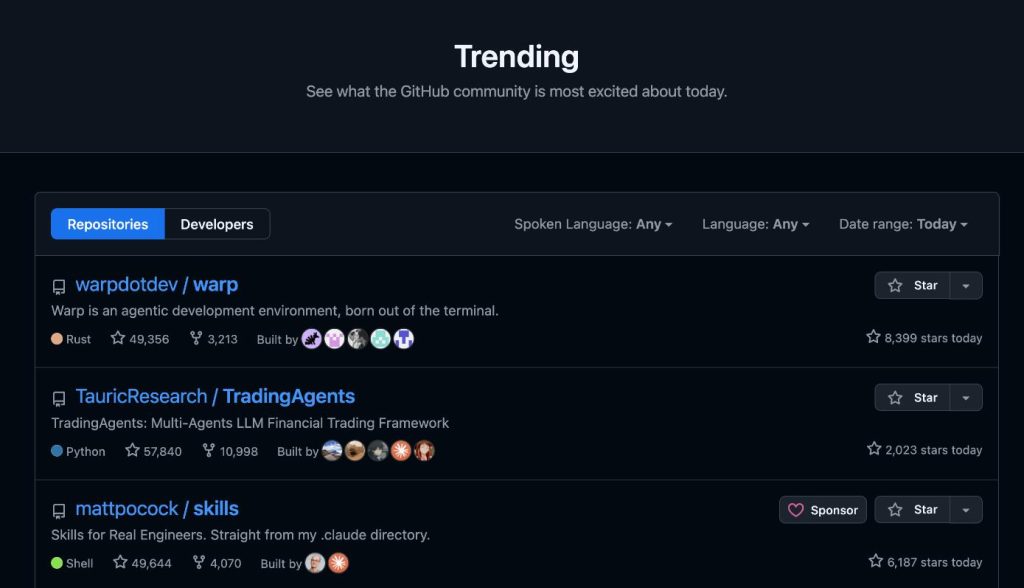
It surged to 35k stars in less than 24 hours after open-sourcing. Now, the total star count has surpassed 50,000. The project is called Warp, an AI terminal developed from scratch in Rust. To be precise, it’s not just a terminal anymore; the official positioning for it is an Agentic Development Environment (an intelligent agent development environment). It was also named one of TIME Magazine’s Best Inventions of 2025. OpenAI is a founding sponsor of this open-source repository.
01 Open Source Project Introduction
Warp is an AI-native terminal, written in Rust, supporting macOS, Linux, and Windows. It’s not a traditional terminal with an AI shell slapped on; it was designed for AI workflows from day one.
Warp’s core idea is straightforward: rethink the terminal from the ground up. The traditional terminal is a loop of command input, output, scrolling, and more input. Warp doesn’t follow that path. It replaces the traditional scrolling output with a Block model. Each command and its output is organized into an independent “block.” You can select, copy, search, and share these blocks as you would in a code editor. Currently, it has over 700,000 active developers.
Founder Zach Lloyd outlined three reasons for open-sourcing in a blog post:
- Software development has changed. AI can write most of the code. The core human work is now figuring out whatto do and judging if the output is correct. Open source can drive progress as a community.
- A more practical reason. Competing against well-funded closed-source rivals makes a price war via subsidies impossible. The goal is to break through by building a better product through open source.
- Keeping a promise. Five years ago, when he announced Warp on Hacker News, he promised it would be open-sourced. This is fulfilling that commitment.
GitHub Address: https://github.com/warpdotdev/warp
02 How is it Different from a Normal Terminal?
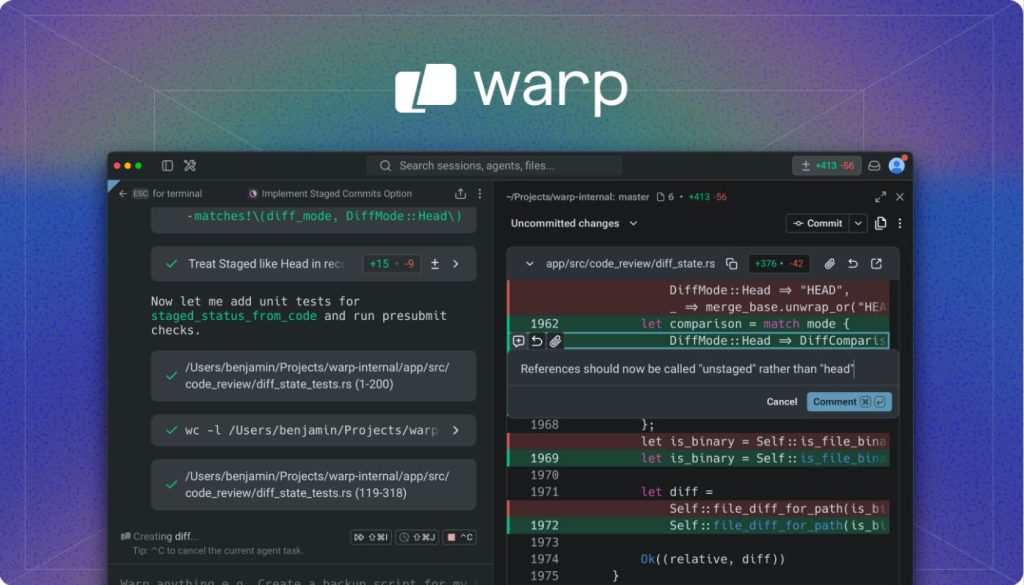
You might think all terminals look the same: black background, white text, typing commands. But after using Warp, you’ll find the differences are significant.
Let’s talk about the pain points of traditional terminals:
- All outputs are mixed together, scrolling in one screen. Finding the output of a previous command requires endless scrolling.
- Copy-paste relies on mouse selection, often grabbing an extra line or missing one.
- Long-running commands leave you waiting. If an error flashes by, you have to run it again to see it.
We’ve gotten used to these issues over the years, but habit doesn’t make them reasonable.
- Block-Based Interaction: Warp structures terminal output. Each command and its output is a “Block” with metadata: command content, execution time, working directory, exit code, etc. You can search, filter, and share based on these blocks. For example, if a build command fails, you can share that exact Block with a colleague. They see the full context—no need for screenshots and lengthy explanations. This design is genuinely practical; once you use it, you can’t go back.
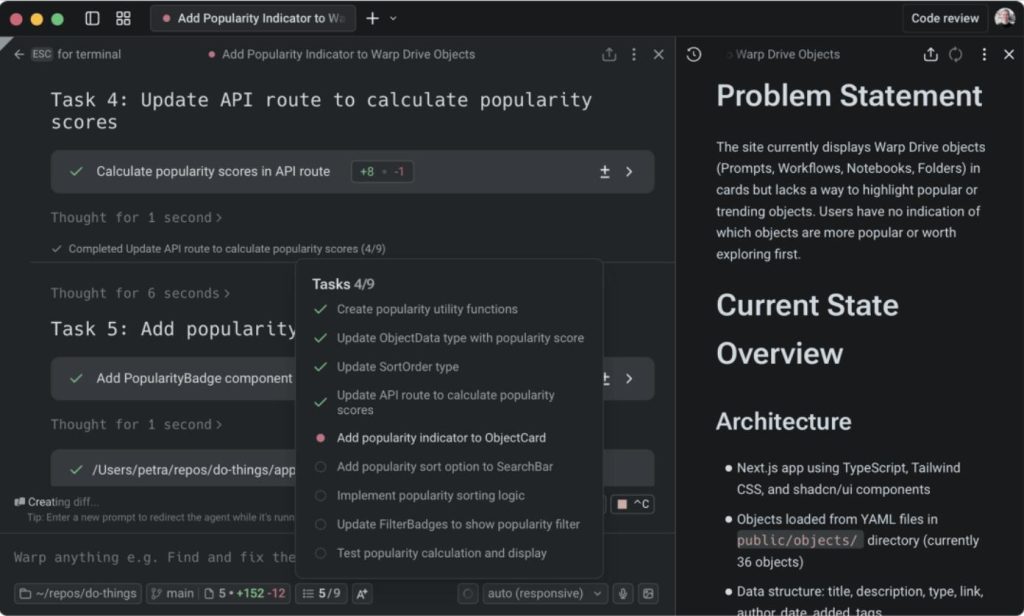
- AI-Native, Not an Afterthought: You can directly call the built-in AI Agent within Warp to write code, debug, and refactor. The new agentic workflow is powered by GPT models. Traditional terminals were built first, then had AI plugins added. Warp was designed around AI workflows from the start. It includes a full agentic development environment and can directly integrate external CLI agents like Claude Code, Codex, Gemini CLI, and Opencode. It’s like having an AI command center inside your terminal, where you can manage and call various AI coding tools.
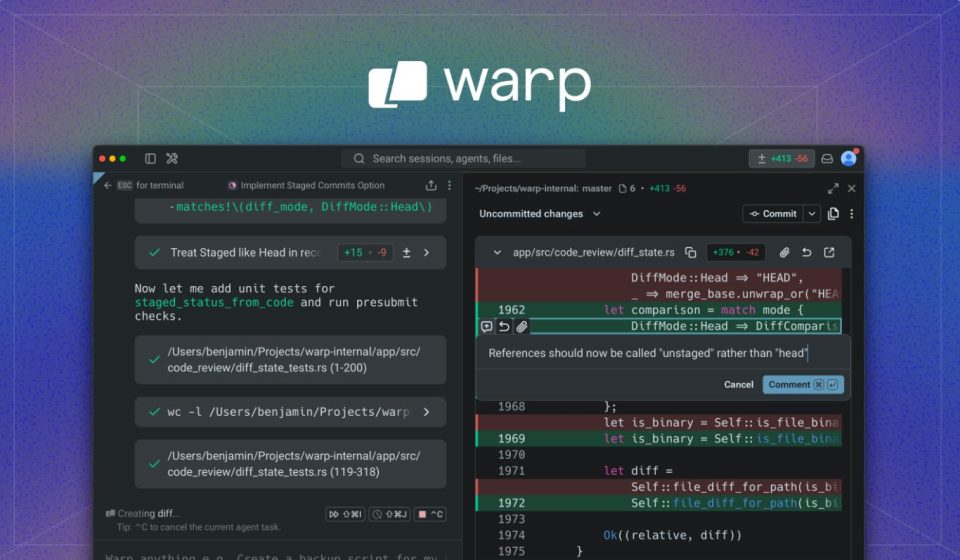
- Interactive Code Review: Previously, after an agent wrote code, you’d switch to an IDE to review it, confirm it was okay, and then commit. Now, you can do a line-by-line review directly in the Warp terminal, add comments, and send it back to the agent for fixes with one click. This pushes the agent’s work from 80% to 100% complete, all without switching windows.
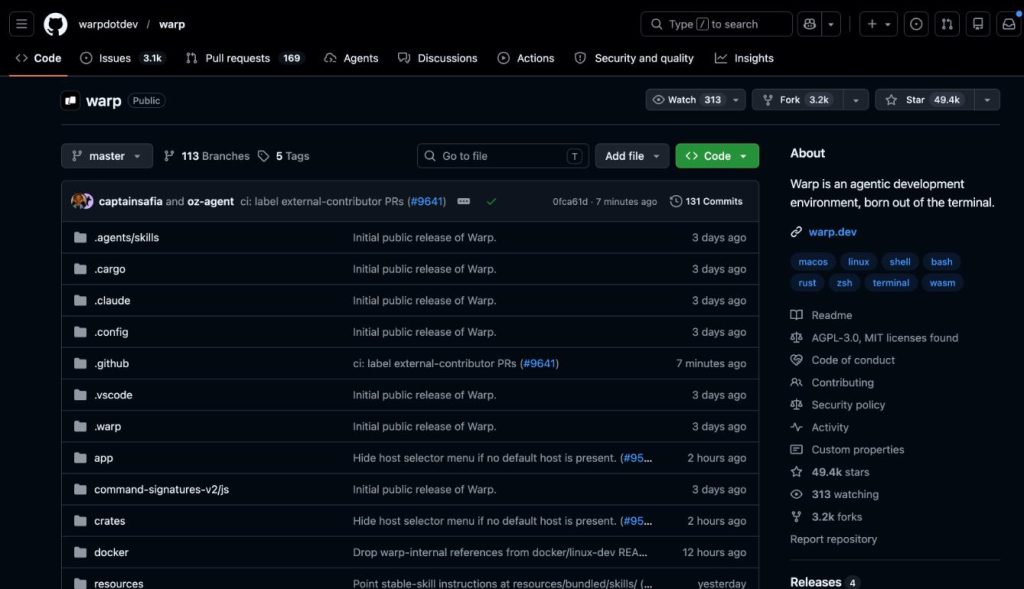
- Proprietary GPU-Accelerated UI Framework: Warp doesn’t use Electron or Qt. It built a completely new GPU-accelerated UI framework from scratch in Rust, called WarpUI. The entire codebase has over 60 crates, with Rust accounting for 98% of the code. Its rendering is extremely fast, with almost imperceptible input lag. There’s no stuttering or screen tearing when you’re typing commands frantically. Importantly, WarpUI is under the MIT license, meaning you can use it in your own Rust projects.
03 How to Use
- Method 1: Direct Download & Install Go to the official website for installers (macOS, Linux, Windows): https://www.warp.dev/download
- Method 2: Build from Source bashbash
git clone https://github.com/warpdotdev/warp.git cd warp ./script/bootstrap # Automatically handles platform dependencies ./script/run # Compiles and runsThebootstrapscript handles platform differences for macOS, Linux, and Windows. External contributors will build the open-source community edition (warp-oss) by default.
For daily use, downloading is sufficient. For contributing or deep customization, building from source offers more flexibility.