Shrinking VS Code to 16MB
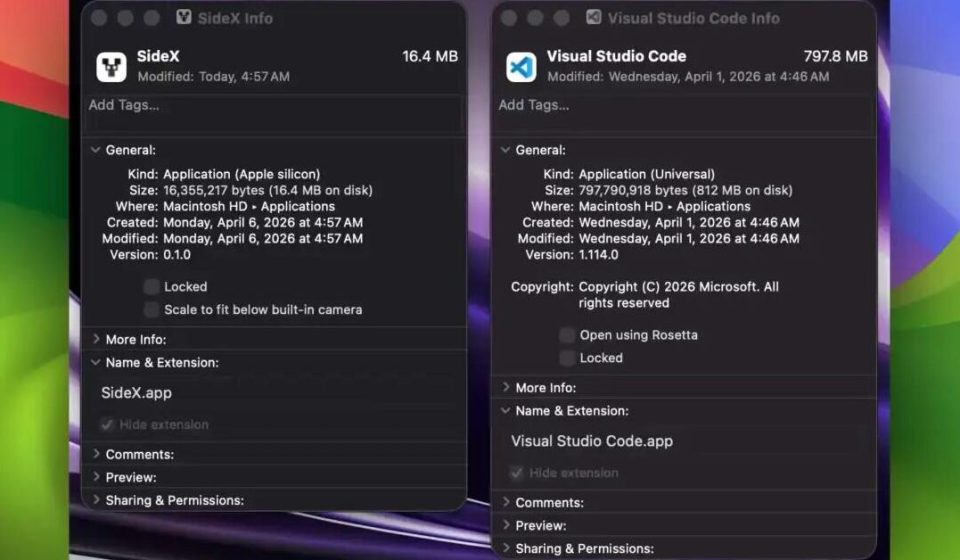
1,800+ stars in one month. In the open‑source world, that’s not an explosive number, but what SideX is doing is quite interesting. It has ported the entire VS Code workbench to Tauri, ditching the several‑hundred‑megabyte Chromium bundle that comes with Electron. The size has been compressed from nearly 800 MB down to 16 MB.
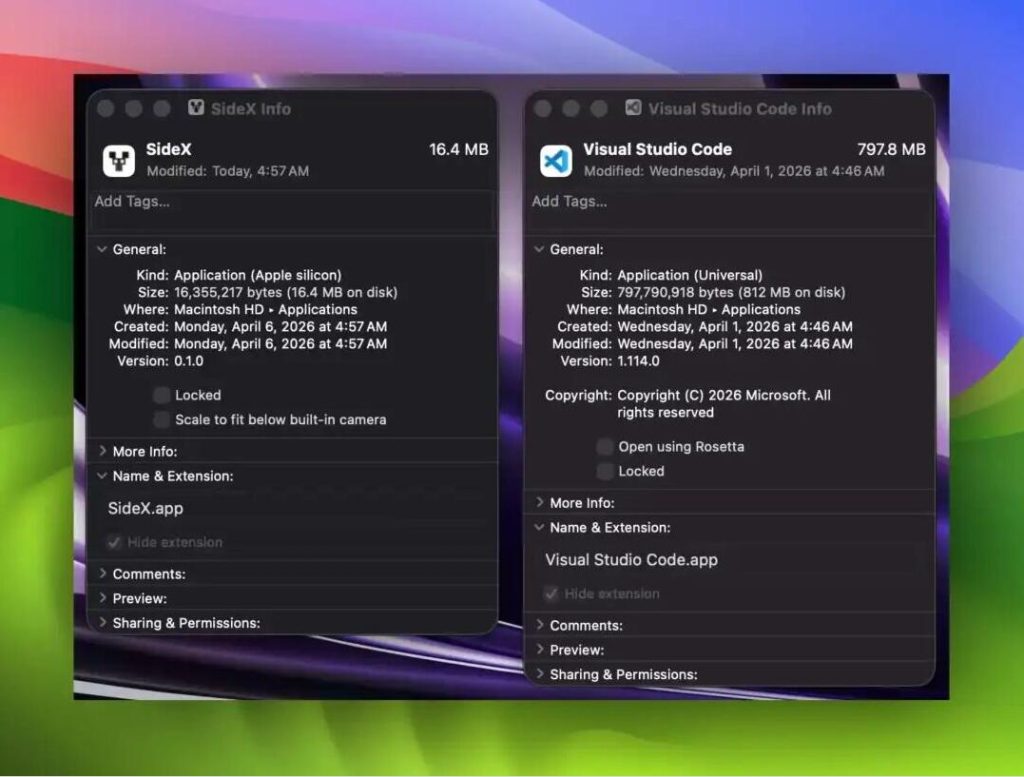
The official comparison image is very clear—one is 797.8 MB, the other is 16.4 MB.
SideX 16.4 MB vs VSCode 797.8 MB
VS Code’s memory footprint almost entirely comes from the bundled Chromium, not the editor itself. I’ve always wondered why a mere editor can consume more memory than some IDEs. Later I learned that Electron’s design requires each application to bundle a complete browser engine, which also explains why Electron‑based apps tend to be large.
Two things are particularly interesting here.
SideX’s approach is straightforward: replace Chromium with the system’s built‑in webview.
- Rendering On macOS, it directly uses WKWebView, which can share kernel memory with Safari. On Windows, it uses WebView2. On Linux, it employs WebKitGTK. These webviews are already on your computer, so they don’t need to be packaged separately—that’s why the app can be so small.
- Memory The official goal is to keep idle memory usage under 200 MB on macOS. However, they note that formal benchmarks will be published once the app stabilizes. The situation on Windows is more complex; WebView2’s memory performance is a topic of ongoing discussion in the Tauri ecosystem.
From these steps, it’s clear SideX isn’t trying to clone VS Code—it’s directly porting VS Code’s workbench. The benefit is that everything you’re familiar with is still there:
- Monaco Editor: Syntax highlighting and basic IntelliSense work.
- File Explorer: Open folders, create, rename, delete.
- Integrated Terminal: Full PTY support using Rust’s
portable‑pty. Shell auto‑detection, resizing, signal handling all work. - Git Integration: View status, diff, commit logs, stage/commit, branch management, push/pull/fetch, stash/reset—all supported.
- Theme System: Directly borrowed from VS Code’s directory, with multiple built‑in themes.
- File Search: Rust backend, implemented with dashmap + rayon + regex for parallel indexing.
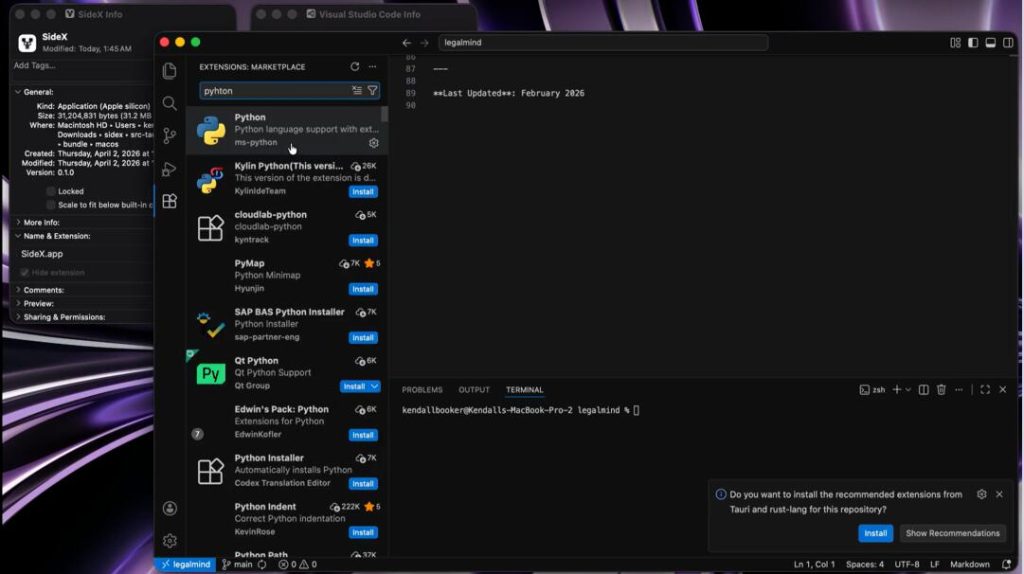
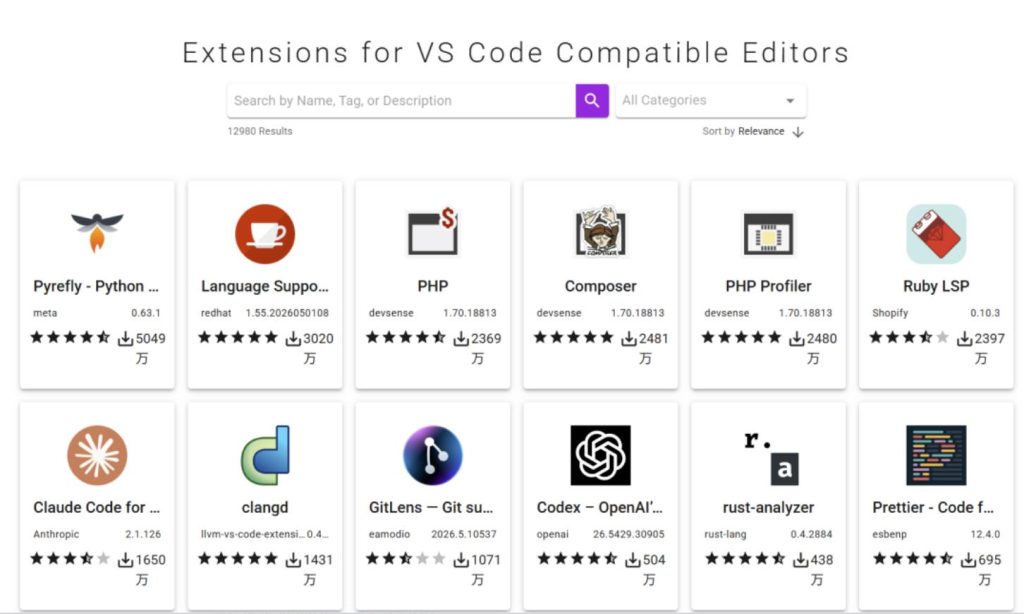
Another noteworthy point: extension installation. SideX uses the Open VSX Registry, an open‑source alternative to the VS Code Marketplace. Tools like VSCodium and Gitpod also use it. However, the extension host is still under development and uses a Sidecar process model, so extension functionality is not yet complete.
How is it different from Zed and Lapce?
I’ve tried both Zed and Lapce. They’re fast, but they always feel a bit awkward—different shortcuts, a plugin ecosystem to relearn, and some familiar operations are hard to find. They are editors rewritten in Rust from scratch, following a “start over” approach.
SideX is different: it doesn’t rebuild the editor; it only swaps the underlying architecture. The frontend directly ports VS Code’s TypeScript workbench code, the backend rewrites native modules in Rust, and the rendering layer uses the system webview. The advantage is that you don’t have to learn a new editor; the trade‑off is that the debugger and extension host are still in development.
If you want to try it, you can download the installer directly from GitHub. Packages are available for macOS, Windows, and Linux—choose as needed. From my hands‑on experience, macOS feels better because WKWebView shares memory with Safari, giving the most noticeable savings. WebView2 performance on Windows is still being optimized.
A few small issues to be aware of:
The project is currently marked as “Early release”. Core editing and the terminal are stable, but the extension host and debugger are still under development. If you rely on certain VS Code extensions, you may need to wait and see about compatibility. When I tried it, some plugins indeed couldn’t be installed, though basic syntax highlighting for Python and Go worked fine.
Also, remote development features (SSH, WSL, containers) aren’t mentioned yet. If you need those capabilities, VS Code is still the more mature choice.
Some in the community have questioned whether the project is LLM‑generated and worry it might be abandoned. That concern is reasonable—migrating VS Code’s entire architecture to Tauri is a huge undertaking. On the other hand, the project gained 1,800+ stars in its first month, showing that many people are interested in a lightweight editor like SideX.
VS Code vs SideX – which to choose?
By now, many of you might be wondering: VS Code or SideX, which is better? My suggestion: both are usable, but it depends on the scenario.
- Scenario A: If you value extension ecosystem and remote development, choose VS Code If you rely on specific VS Code extensions or need SSH, WSL, container‑based remote development, VS Code is still the more mature choice in terms of ecosystem completeness.
- Scenario B: If you prioritize lightness and low‑resource machine deployment, choose SideX If your machine is limited in specs, or you just need basic code editing, terminal, and Git operations, SideX’s lightweight advantage is obvious. For low‑spec cloud hosts or older laptops, SideX is a great option.
Final thoughts
Nowadays, the “heaviness” of desktop apps has become a pain point for developers. Electron made cross‑platform development easy, but it also saddled every app with Chromium’s baggage. On my computer, I have several Electron apps, and the Chrome processes alone fill up the process list. SideX offers a new approach: don’t reinvent the wheel, just swap to a lighter engine. Using the Tauri + Rust combo, it pulls VS Code out of Electron’s mire.
Honestly, I’m quite excited about this project’s development. If extensions and the debugger can be polished, I’d likely switch from VS Code—after all, who wouldn’t want a 16 MB editor? If you’re curious, give it a try, but don’t rush to uninstall VS Code just yet.
The project is open‑source under the MIT license. If you’re interested, check out the source code and documentation on GitHub.
GitHub Repository: